Crafts TikTok Script Generator
A tight overhead shot shows a pair of size 8mm needles clicking through a chunky mohair rib. The audio isn't music; it's the crisp, rhythmic snap of the yarn catching. By second three, a text overlay drops a controversial opinion about continental knitting. This specific sequence—sensory hook, rhythmic pacing, then the 'scroll-stopping' take—is the current gold standard for crafts TikTok. Most AI tools fail here because they treat a knitting brief like a marketing email, suggesting openers like 'Are you looking for a new project?' instead of starting mid-stitch. WeKlapp functions differently by deconstructing the actual visual cadence of high-performing maker content. It recognizes that in the crafts niche, the 'action' isn't just talking to the camera; it's the tension of the yarn, the transition from a messy pile of wool to a finished sleeve, and the specific lighting required to show stitch definition without washing out the color profile.
Trained on what works in the crafts corner of TikTok
Hook variations tuned to the first 2 seconds of attention
Brand-fit angles vetted by an AI judge panel
Scene-by-scene storyboards you can revise in one click
The Boring Cleanser That Fixed My Skin Barrier
Hook: “This is the least exciting product I've ever loved.”
Angle: A chemistry-curious reviewer documents 14 days of using a ceramide cleanser as a skin-barrier reset — no drama, just honest observation.
Hook
0:00 - 0:03 · 3s
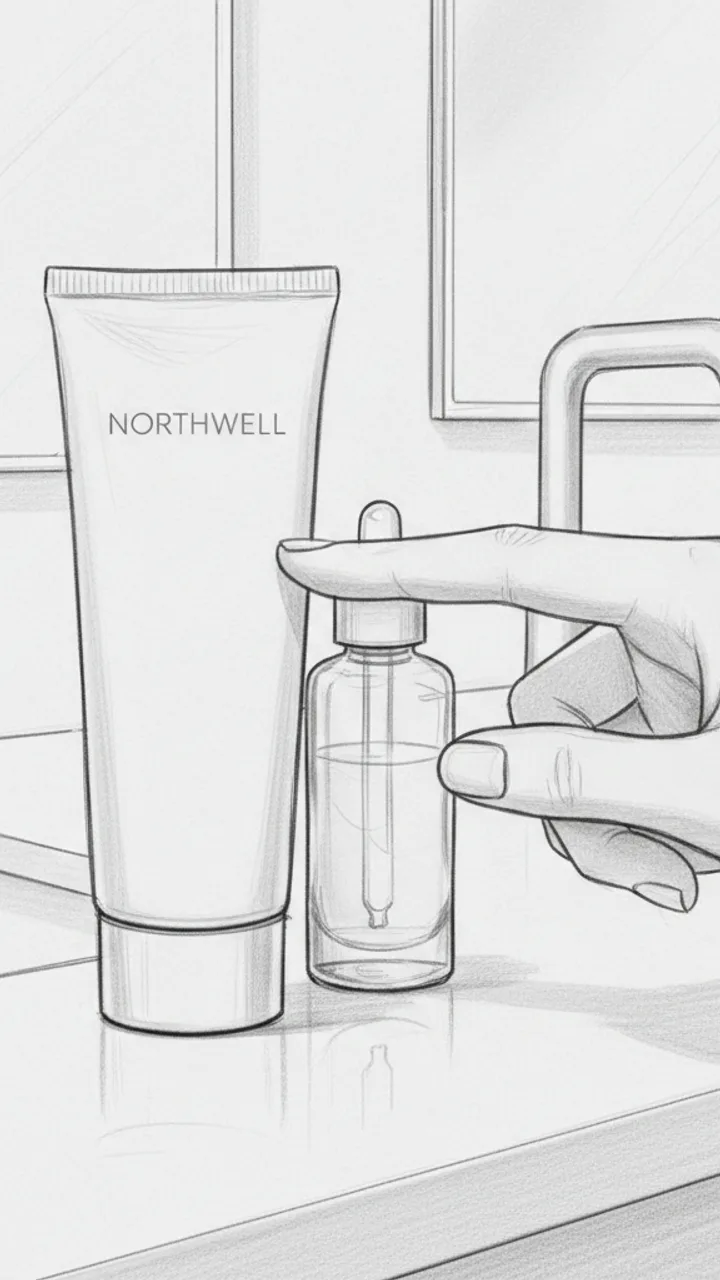
Visual: Close-up handheld shot of a plain, minimal Northwell cleanser tube sitting on a bathroom counter next to a half-empty serum. Creator's hand taps it once. Text overlay in clean sans-serif: 'THE BORING CLEANSER THAT FIXED MY SKIN BARRIER'
Audio: This is the least exciting product I've ever loved.
Note: No face needed in this shot — let the product do the work. Tap should feel casual, not performative.
The Problem Setup
0:03 - 0:15 · 12s
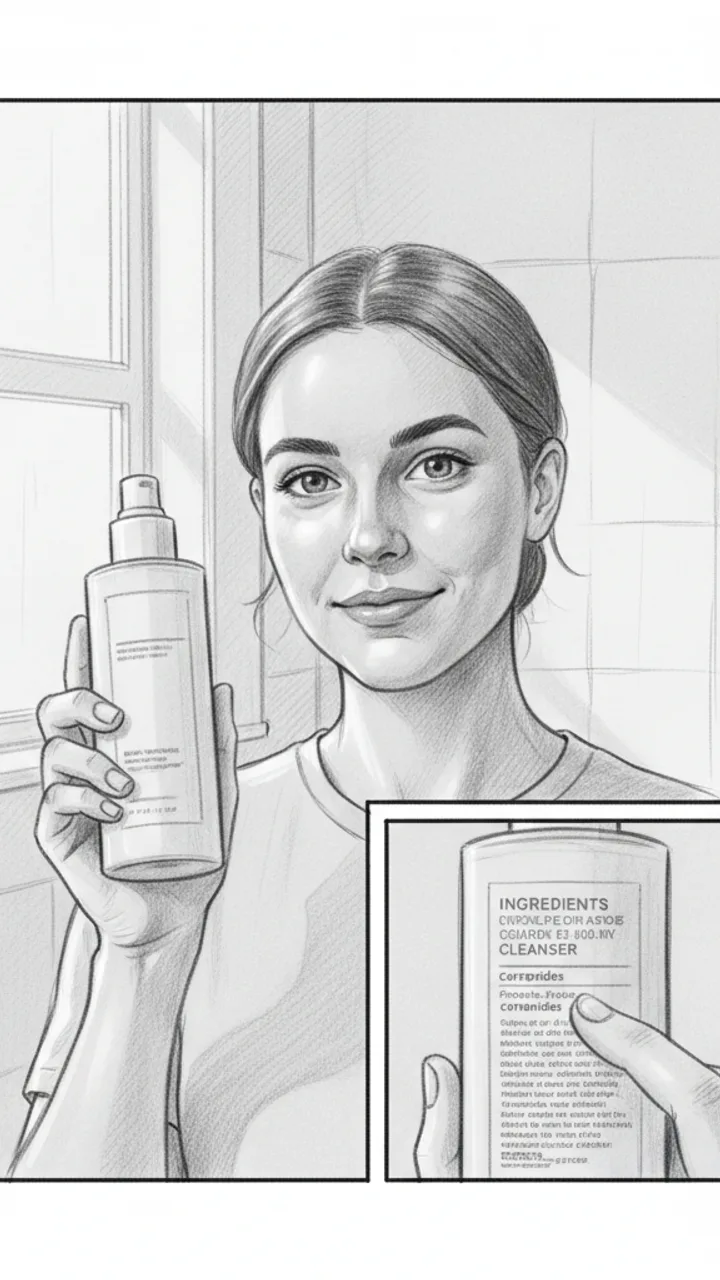
Visual: Medium shot, creator facing camera in bathroom lighting — natural, not ring-lit. Holds up cleanser. Cut to a quick close-up of the ingredient panel with a finger underlining 'ceramides.' Text overlay: 'ceramides = barrier glue, basically'
Audio: My skin was doing that thing where it's tight after washing but also somehow still flaky. Classic compromised barrier stuff. I wanted to strip it back and just use something with ceramides and nothing that would fight with my skin — so I tried the Northwell ceramide cleanser for 14 days, pretty much nothing else changed.
Note: The ingredient close-up should be legible but quick — 1.5 seconds max. Feels like a passing observation, not a lesson.
Texture and Experience
0:15 - 0:28 · 13s
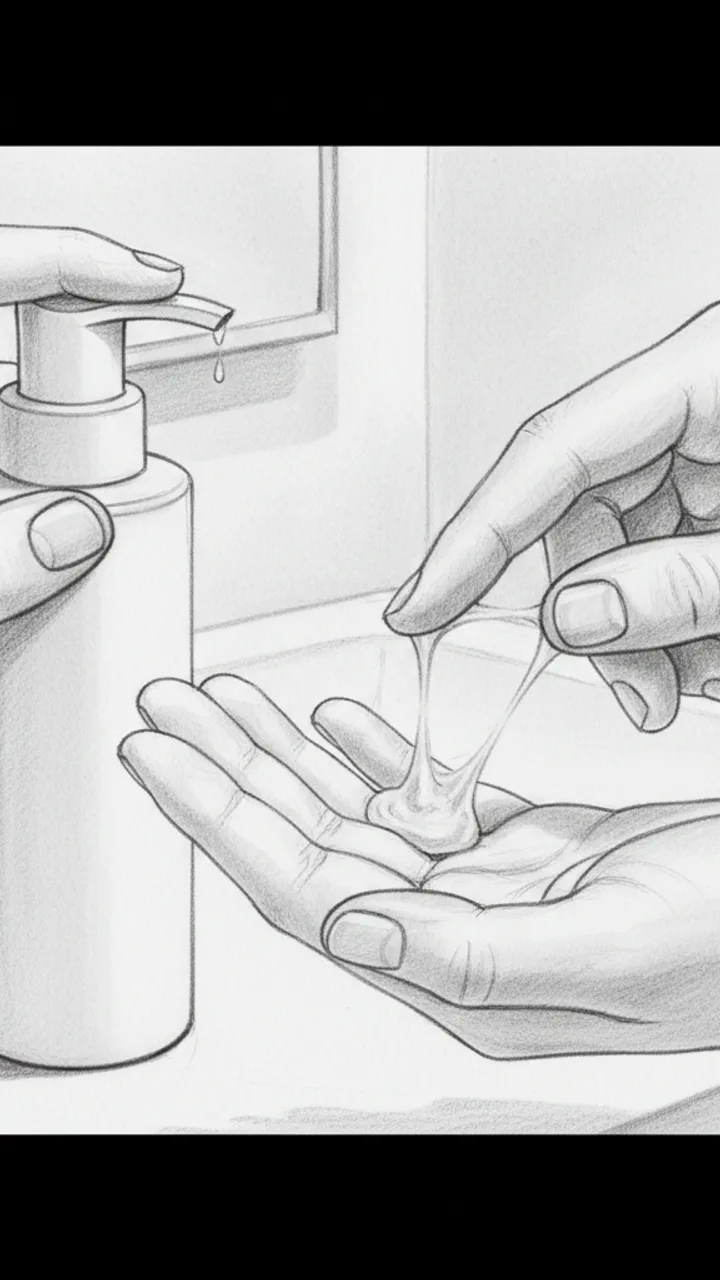
Visual: Close-up of creator dispensing a small amount onto fingers — texture is milky, slightly gel-like. Slow rub between fingers to show consistency. Text overlay: 'milky-gel, no foam, no stripping feeling'
Audio: Texture-wise it's this milky gel — doesn't lather much, which I know feels weird at first if you're used to foam. But that low-surfactant thing is kind of the point. After about day five my skin stopped feeling tight post-wash, and by day fourteen the flakiness around my nose was noticeably calmer. Not gone, but calmer. For me, that's meaningful.
Note: Keep hands in frame the whole time. The 'for me' phrasing is intentional — do not cut it.
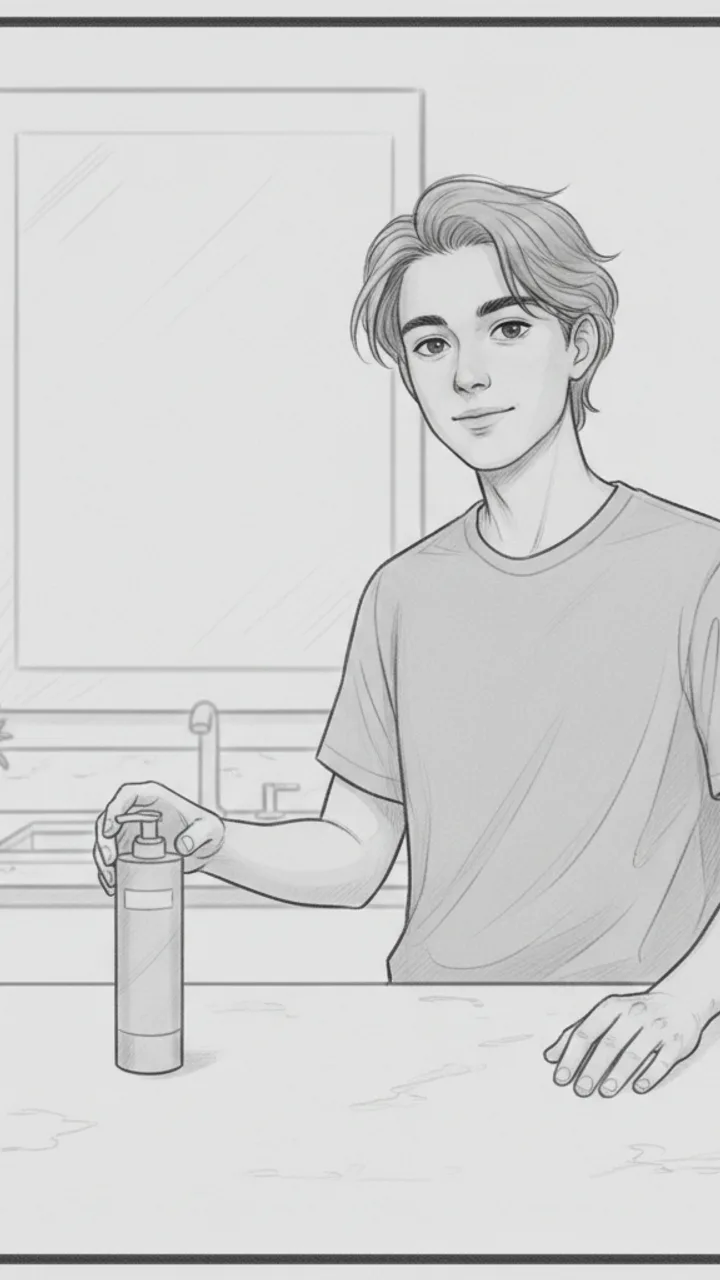
Honest Wrap + CTA
0:28 - 0:42 · 14s
Visual: Creator back on camera, relaxed medium shot. Sets the tube down on the counter behind them naturally. Final frame holds on product. Text overlay: 'linked below if you want the boring fix too'
Audio: It's not a glamorous product. It's not going to transform your skin in a week or smell like anything interesting. But if your barrier is struggling and you want something that just — does its job without adding noise, this one earned a permanent spot for me. Link's below if you're curious.
Note: Tone should feel like a friend wrapping up a thought, not closing a pitch. No urgency language.
Generate yours to see all 4 scenes unlocked
Includes hook variations, AI judge scores, and storyboard sketches per scene.
Generate your script freeThe Anatomy of a 45-Second Maker Beat Pattern
From Brand Brief to Production-Ready Shot Lists
- Timecoded B-roll cues for specific craft actions like casting on or weeding vinyl.
- On-screen text (OST) suggestions that contrast with the VO to increase engagement.
- Production effort scores that estimate how many camera angle changes are required.
- Style-match scoring that compares the script to your last five high-performing TikToks.
- Direct export to Word for easy reading on a teleprompter or tablet during filming.
The Lighting and Setup Constraints Most Generators Ignore
A script is only as good as your ability to film it alone between commission orders.
Handling Technical Objections and Edge Cases
Example hooks WeKlapp will generate
Common mistakes (and what to do instead)
✗ Leading with a brand logo or a slow 'Today I'm working with...' introduction.
→ Start with a high-action close-up of the craft process and weave the brand name into a natural sentence around the 10-second mark.
✗ Using a script that requires 20 different camera angles for a 30-second video.
→ Stick to three main setups—overhead, 45-degree side view, and face-to-camera—and use zoom-ins to create variety.
✗ Writing a voiceover that perfectly mirrors what the viewer is already seeing visually.
→ Use the voiceover to give context, tips, or a story while the visuals handle the 'how-to' aspect of the craft.
I Was Paying $47/Month for Nothing
Hook: “I just found out I'm paying for three subscriptions I completely forgot existed.”
Angle: Creator opens the Ledger & Rye app live on camera and reacts in real time to forgotten subscriptions draining $47/month from their account.
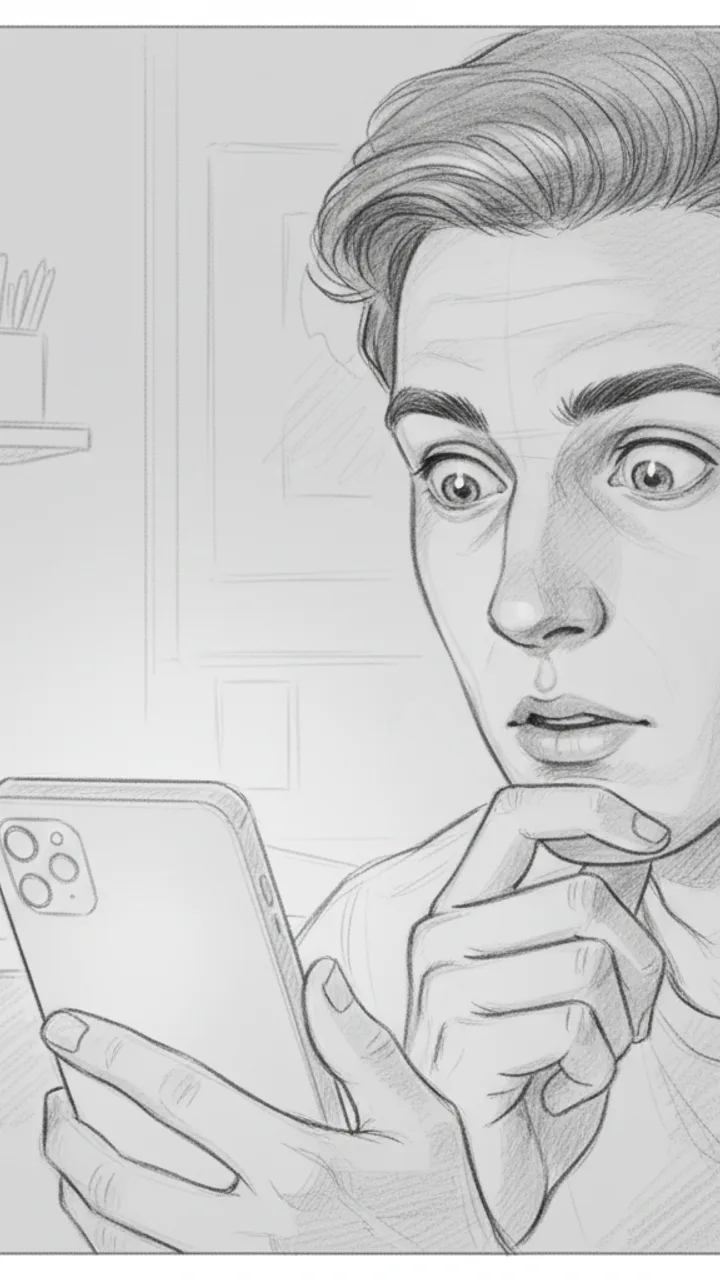
Hook
0:00 - 0:03 · 3s
Visual: Tight close-up on creator's face, slightly over-the-shoulder angle, phone screen faintly visible in hand. Text overlay in bold white: '$47/MONTH I FORGOT ABOUT'
Audio: I just found out I'm paying for three subscriptions I completely forgot existed.
Note: Deliver with a flat, tired expression — not dramatic, just genuinely annoyed at yourself. Hook doubles as thumbnail headline.
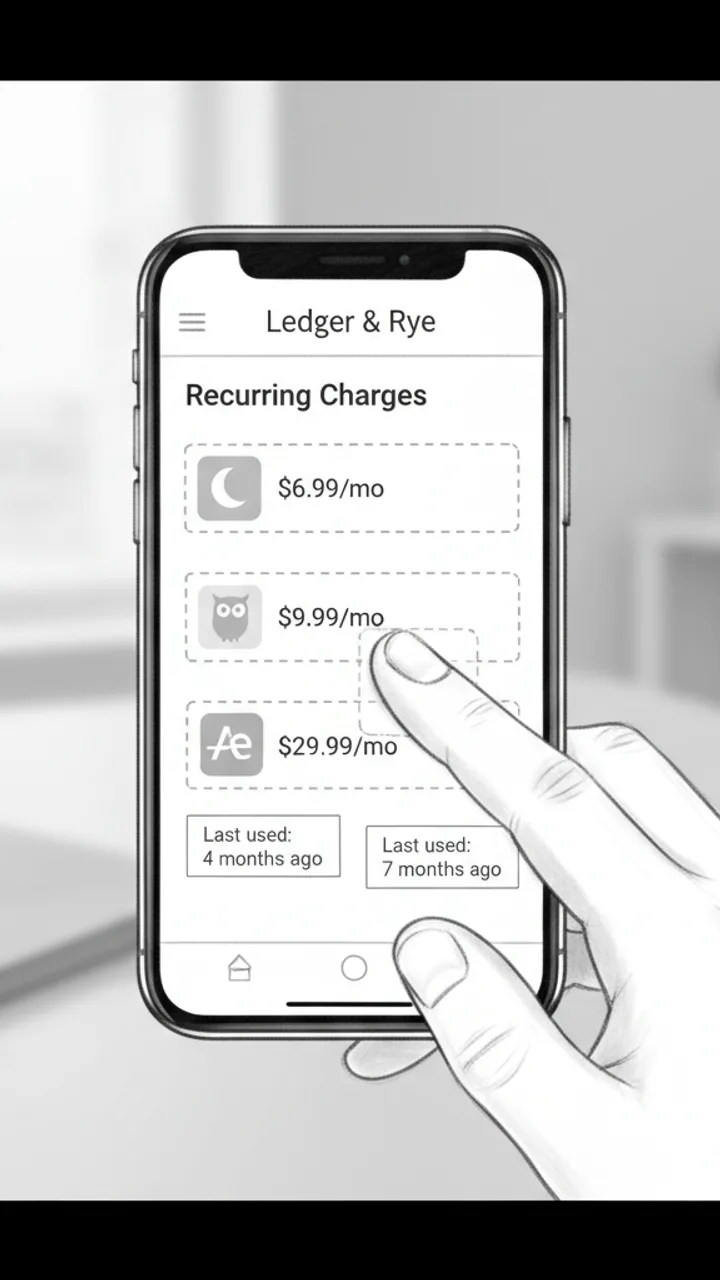
The Discovery
0:03 - 0:18 · 15s
Visual: Screen recording of Ledger & Rye app open to a 'Recurring Charges' summary panel. Three line items animate in one by one: 'Calm — $6.99/mo', 'Duolingo Plus — $9.99/mo', 'Adobe Express — $29.99/mo'. Creator's thumb taps each one. Text overlay appears under each: 'Last used: 4 months ago', 'Last used: 7 months ago', 'Last used: 2 months ago'
Audio: So I opened Ledger and Rye and it flagged this 'Recurring Charges' section — and there's Calm, which I downloaded during a very specific week in 2022. Duolingo Plus, because apparently I was going to learn Portuguese. And Adobe Express for $30 a month, which… I genuinely cannot explain.
Note: Keep the screen recording clean and unedited — real app UI, no motion graphics added in post. The mundane specificity of the apps is the joke.
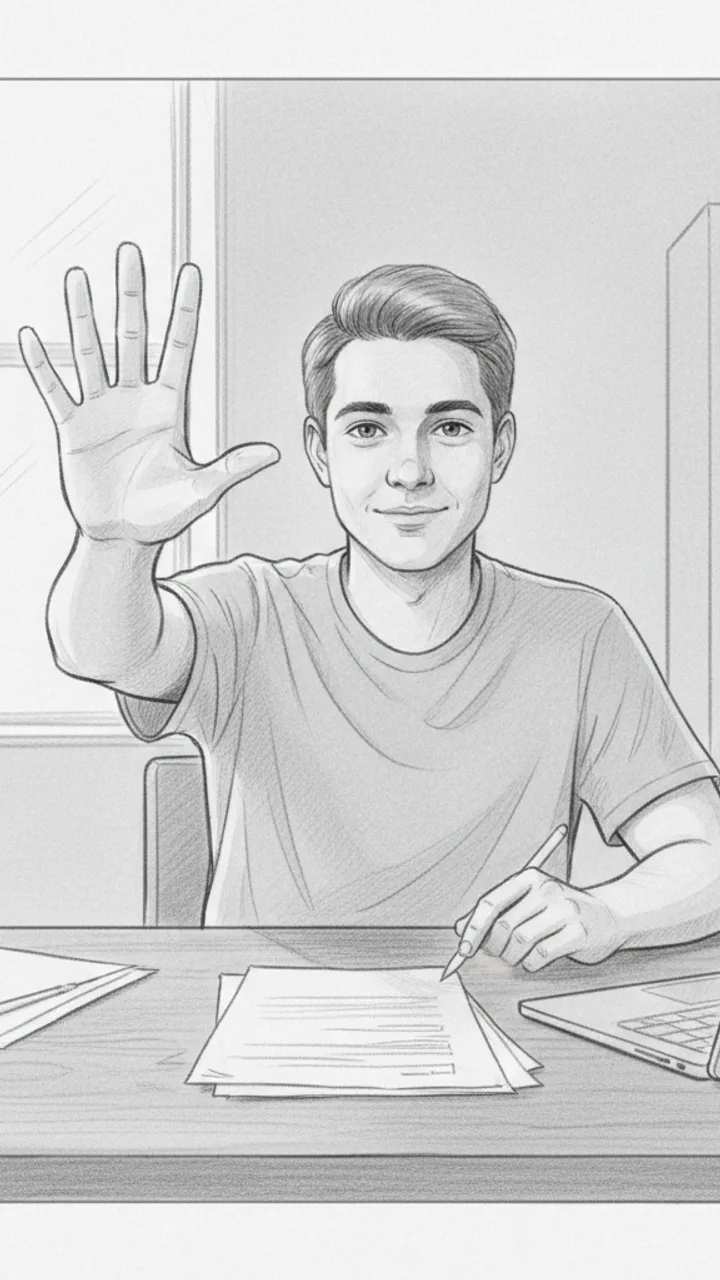
The Math
0:18 - 0:30 · 12s
Visual: Cut back to creator on camera, medium shot, sitting at a desk. Creator holds up three fingers and counts down. Text overlay bottom-center: '$47 / month = $564 / year'
Audio: That's $47 a month. Which is $564 a year. On apps I haven't opened since before I moved apartments. I cancelled all three in like four minutes. I'm not saying I'm bad with money, but I'm also not NOT saying that.
Note: Pause naturally after '$564 a year' — let the number land before the self-deprecating closer. No need to rush.
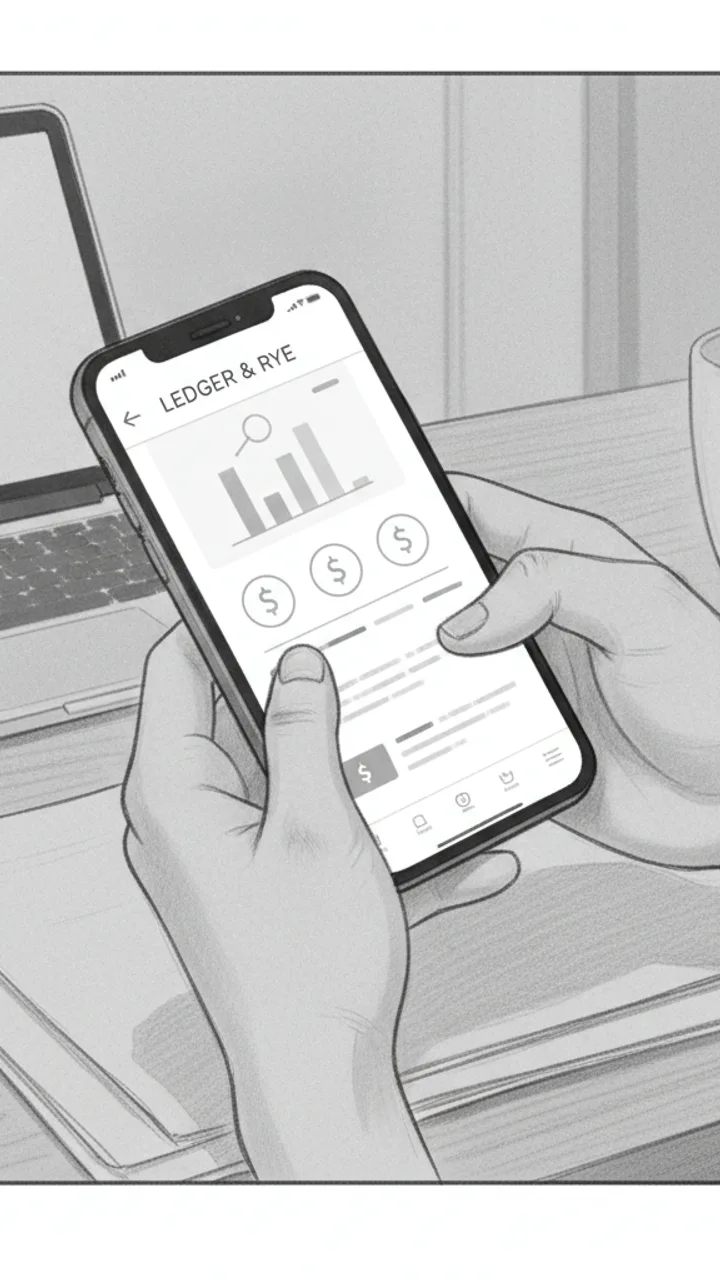
Soft CTA
0:30 - 0:38 · 8s
Visual: Creator tilts phone toward camera briefly showing the Ledger & Rye home screen, then sets it face-down. Minimal text overlay bottom-left: 'Ledger & Rye — link in bio'
Audio: If you haven't checked yours in a while, the app is called Ledger and Rye — it's free to start. Genuinely took me less time than this video to find all of it.
Note: Tone should feel like a recommendation to a friend, not a pitch. No urgency language. Creator sets the phone down casually — signals the video is over naturally.
Generate yours to see all 4 scenes unlocked
Includes hook variations, AI judge scores, and storyboard sketches per scene.
Generate your script freeFrequently asked questions
Can the generator handle specific knitting or crochet terminology?
Yes. The AI is trained on maker-specific vernacular. It understands the difference between a slip stitch in crochet and a slipped stitch in knitting, and it won't suggest 'sewing' a sweater when the brief clearly specifies it is a seamless top-down knit.
How does it incorporate brand requirements from a PDF?
You upload the brief and the AI extracts the mandatory talking points, hashtags, and CTA requirements. It then blends these into a natural script flow rather than just tacking them onto the end of a video.
Will the scripts sound like everyone else using the tool?
No, because the AI analyzes your specific past videos to learn your cadence. If you tend to be dry and sarcastic, the generator won't produce a bubbly, high-energy script. It mirrors your existing pacing and vocabulary.
Can I use this for 'silent' aesthetic videos without a voiceover?
Absolutely. You can set the output to 'Visual Only' mode. It will provide a storyboard and a list of on-screen text overlays designed to hook viewers using only text and the sounds of your craft (ASMR).
Does it suggest which trending audio I should use?
It suggests the 'type' of audio—such as 'low-fi rhythmic' or 'upbeat transition-heavy'—to match the visual energy of the script, allowing you to pick a currently trending track within that specific vibe.
Is it possible to generate scripts for long-form tutorials too?
While the core focus is on 30-60 second TikToks, the generator can output segments for longer videos. However, its primary logic is optimized for the high-retention demands of short-form vertical video.
Related script templates
Generate your first script in under a minute
Paste a channel link and a brand brief. WeKlapp handles the analysis, scriptwriting, judging, and storyboarding.
Start free