
Personal Finance TikTok Script Generator
A high-performing personal finance TikTok usually begins with a physical disruption: a creator aggressively folding a receipt, a screen-recording of a declining bank balance, or a finger hovering over a 'confirm purchase' button. The hook isn't just the words; it's the immediate visual stakes of a financial decision. By the six-second mark, the creator has transitioned from the 'ouch' moment to a specific, actionable pivot, often while walking through a kitchen or driving, to ground the high-level math in a mundane environment. Most AI script tools fail here because they treat money like a textbook, generating dry lectures that ignore the skepticism Gen Z users have toward sponsored financial advice. WeKlapp functions as an AI executive producer that respects the visual grammar of the niche. It doesn't just write lines; it maps out the specific shot patterns—like the rhythmic tap on a phone screen or the sudden zoom on a 'fine print' line item—that make a wealth-building tip feel like a peer-to-peer secret rather than a bank commercial.
Trained on what works in the personal finance corner of TikTok
Hook variations tuned to the first 2 seconds of attention
Brand-fit angles vetted by an AI judge panel
Scene-by-scene storyboards you can revise in one click
I Was Paying $47/Month for Nothing
Hook: “I just found out I'm paying for three subscriptions I completely forgot existed.”
Angle: Creator opens the Ledger & Rye app live on camera and reacts in real time to forgotten subscriptions draining $47/month from their account.
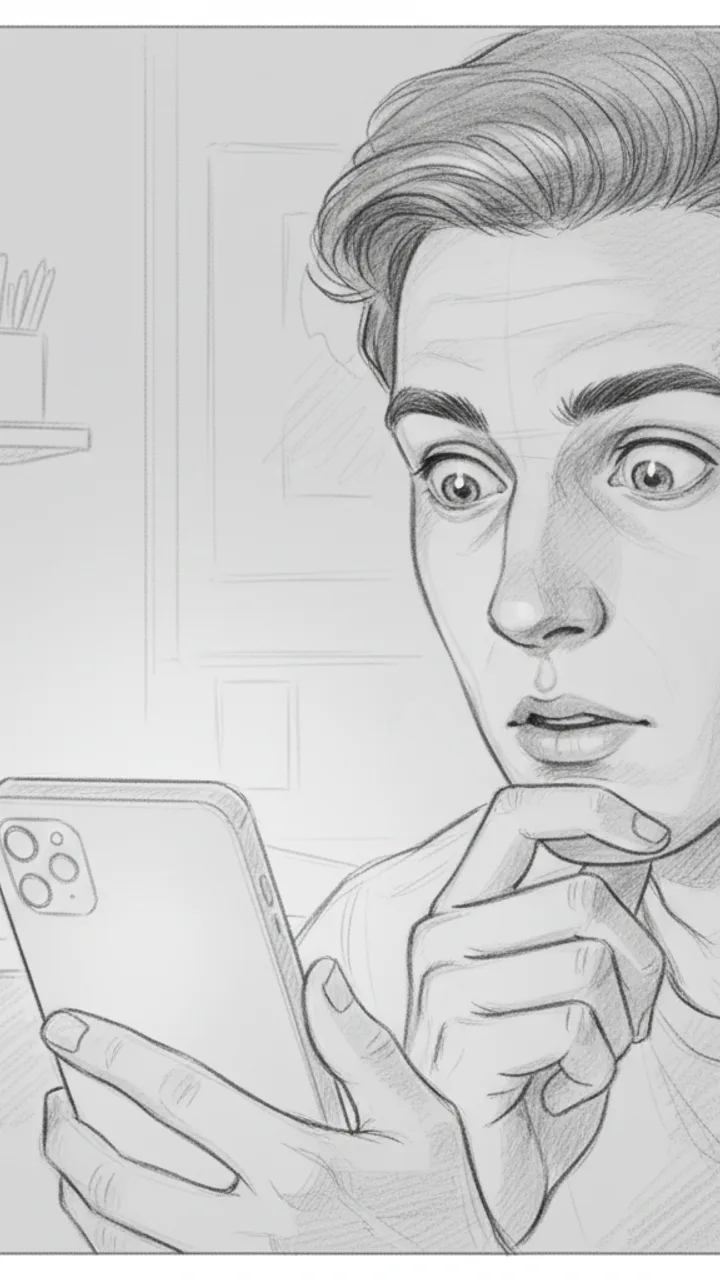
Hook
0:00 - 0:03 · 3s
Visual: Tight close-up on creator's face, slightly over-the-shoulder angle, phone screen faintly visible in hand. Text overlay in bold white: '$47/MONTH I FORGOT ABOUT'
Audio: I just found out I'm paying for three subscriptions I completely forgot existed.
Note: Deliver with a flat, tired expression — not dramatic, just genuinely annoyed at yourself. Hook doubles as thumbnail headline.
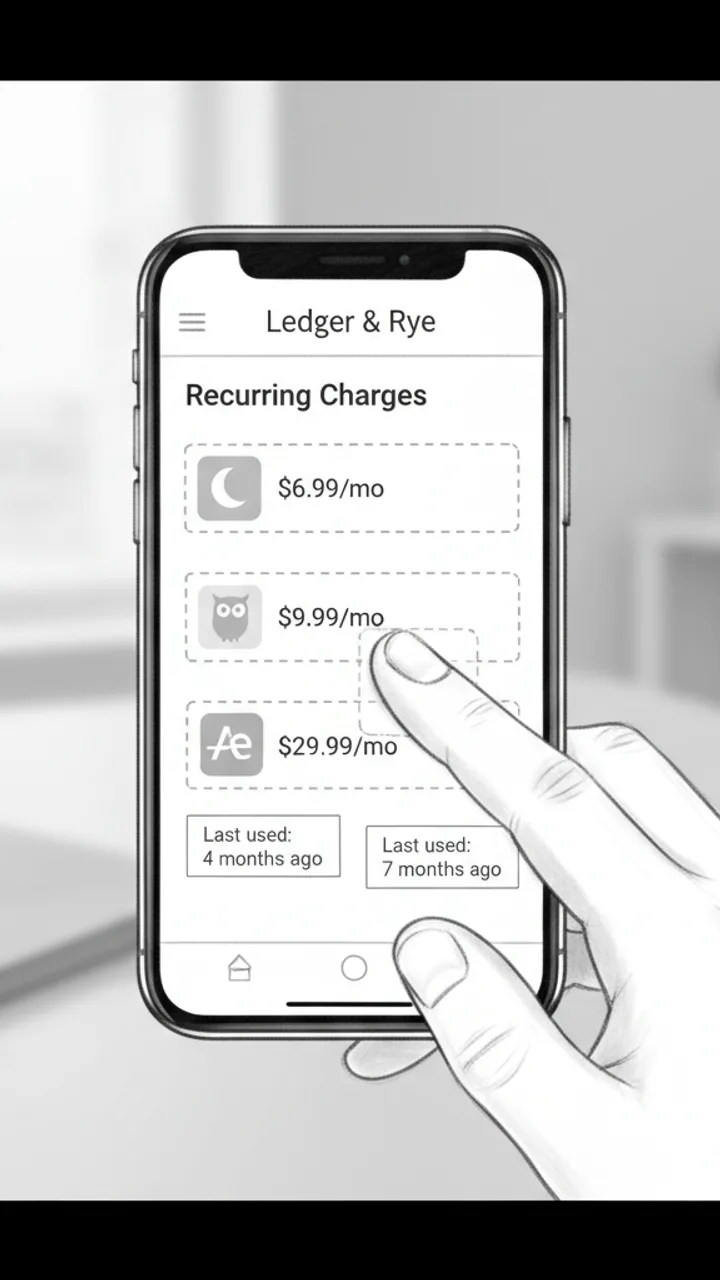
The Discovery
0:03 - 0:18 · 15s
Visual: Screen recording of Ledger & Rye app open to a 'Recurring Charges' summary panel. Three line items animate in one by one: 'Calm — $6.99/mo', 'Duolingo Plus — $9.99/mo', 'Adobe Express — $29.99/mo'. Creator's thumb taps each one. Text overlay appears under each: 'Last used: 4 months ago', 'Last used: 7 months ago', 'Last used: 2 months ago'
Audio: So I opened Ledger and Rye and it flagged this 'Recurring Charges' section — and there's Calm, which I downloaded during a very specific week in 2022. Duolingo Plus, because apparently I was going to learn Portuguese. And Adobe Express for $30 a month, which… I genuinely cannot explain.
Note: Keep the screen recording clean and unedited — real app UI, no motion graphics added in post. The mundane specificity of the apps is the joke.

The Math
0:18 - 0:30 · 12s
Visual: Cut back to creator on camera, medium shot, sitting at a desk. Creator holds up three fingers and counts down. Text overlay bottom-center: '$47 / month = $564 / year'
Audio: That's $47 a month. Which is $564 a year. On apps I haven't opened since before I moved apartments. I cancelled all three in like four minutes. I'm not saying I'm bad with money, but I'm also not NOT saying that.
Note: Pause naturally after '$564 a year' — let the number land before the self-deprecating closer. No need to rush.
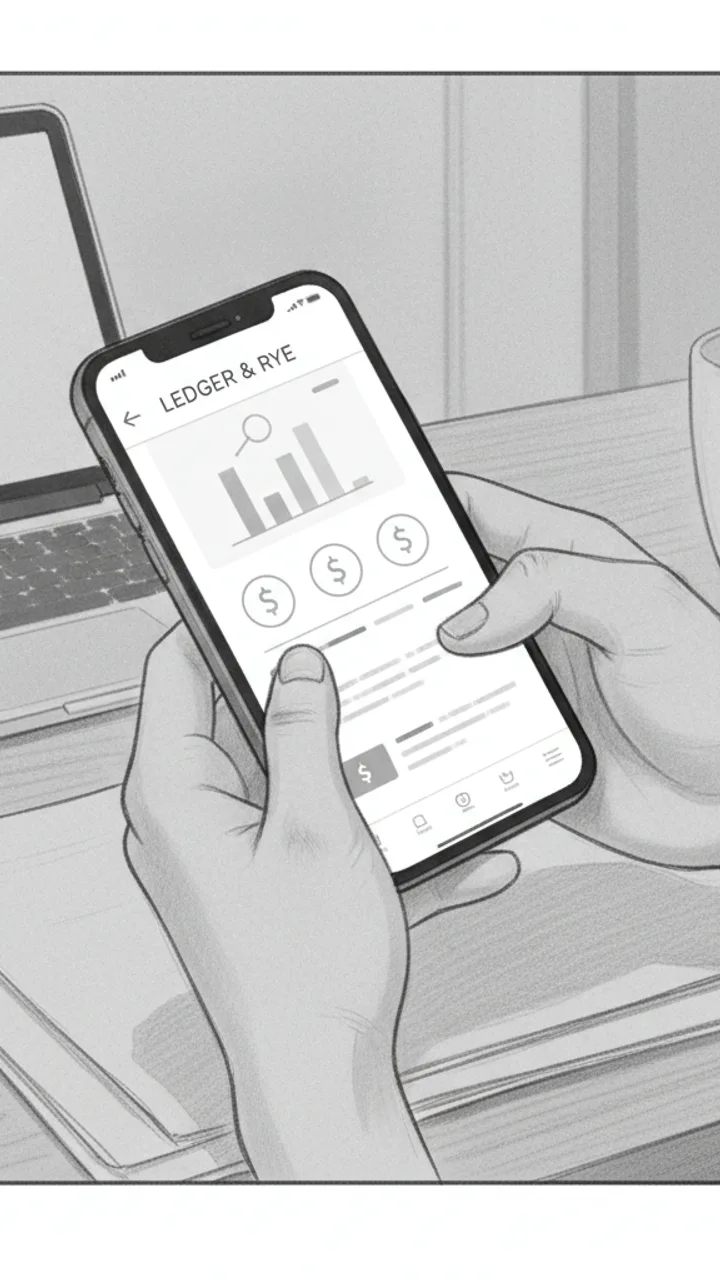
Soft CTA
0:30 - 0:38 · 8s
Visual: Creator tilts phone toward camera briefly showing the Ledger & Rye home screen, then sets it face-down. Minimal text overlay bottom-left: 'Ledger & Rye — link in bio'
Audio: If you haven't checked yours in a while, the app is called Ledger and Rye — it's free to start. Genuinely took me less time than this video to find all of it.
Note: Tone should feel like a recommendation to a friend, not a pitch. No urgency language. Creator sets the phone down casually — signals the video is over naturally.
Generate yours to see all 4 scenes unlocked
Includes hook variations, AI judge scores, and storyboard sketches per scene.
Generate your script freeThe Anatomy of a 47-Second Wealth-Building Beat
Bridging the Gap Between Brand Briefs and Creator Reality
- Visual cues for when to use the 'Green Screen' filter over a specific Wealthfront dashboard screen.
- Specific timestamps for 'punch-ins'—digital zooms that emphasize a specific cost or saving amount.
- Prop suggestions, like holding a physical coffee cup to illustrate a small daily expense.
- Action notes for 'walking and talking' to keep the background dynamic during a complex explanation.
- Strategic placement of the 'link in bio' call-to-action so it feels like a resource, not a sales pitch.
The Production Constraint Every Finance Creator Ignores
The best financial scripts treat the viewer's skepticism as a feature, not a bug, by addressing the 'too good to be true' feeling in the first five seconds.
Handling the Edge Cases of Financial Storytelling
Example hooks WeKlapp will generate
Common mistakes (and what to do instead)
✗ Using 'bank-voice' jargon like 'compounding interest' or 'capital gains' in the first three seconds.
→ Start with the result—the 'new car' or the 'zero balance'—and explain the terminology only after you've hooked their curiosity.
✗ Filming a 60-second finance tip in a single, static take in front of a plain wall.
→ Use at least three different 'scenes' or shot types, even if it's just moving from the desk to the couch, to reset the viewer's attention span.
✗ Trying to fit the entire brand 'About Us' section into a 45-second TikTok clip.
→ Pick one specific feature of the app and make it the 'hero' of the story, leaving the rest for the caption or a follow-up video.
Ice Still Rattling After 8 Hours in a Hot Car
Hook: “I left this in my car all day — it was 94 degrees outside.”
Angle: Real-world heat stress test proves insulation claim through three sequential proof shots with no staging.

Hook — Hot Car Reveal
0:00 - 0:08 · 8s
Visual: POV handheld shot opening a sun-baked car door, heat shimmer visible. Creator reaches in and grabs the Loom Bottle off the passenger seat. Text overlay in bold white: 'LEFT IN A 94° CAR ALL DAY'
Audio: I left this in my car all day — it was 94 degrees outside. Dashboard was hot to the touch. Let's see what's inside.
Note: Shoot mid-afternoon for real heat shimmer. Keep the grab motion quick and confident — no hesitation.

Proof Shot 1 — The Open
0:08 - 0:20 · 12s
Visual: Close-up shot of creator unscrewing the lid over a white countertop. Steam condensation visible on the outside of the bottle. Ice cubes audibly rattle as the lid comes off. Creator tilts bottle so ice is visible on camera. Text overlay: 'STILL ICE. 8 HOURS LATER.'
Audio: Eight hours later — listen to that. Full ice. In my testing I've never had it melt down this fast, but today was a real push and it held. You can see the condensation on the outside — that's how cold it still is in there.
Note: Capture the rattle sound clearly — this is the money audio moment. Use a lavalier mic or get the phone close to the bottle mouth.
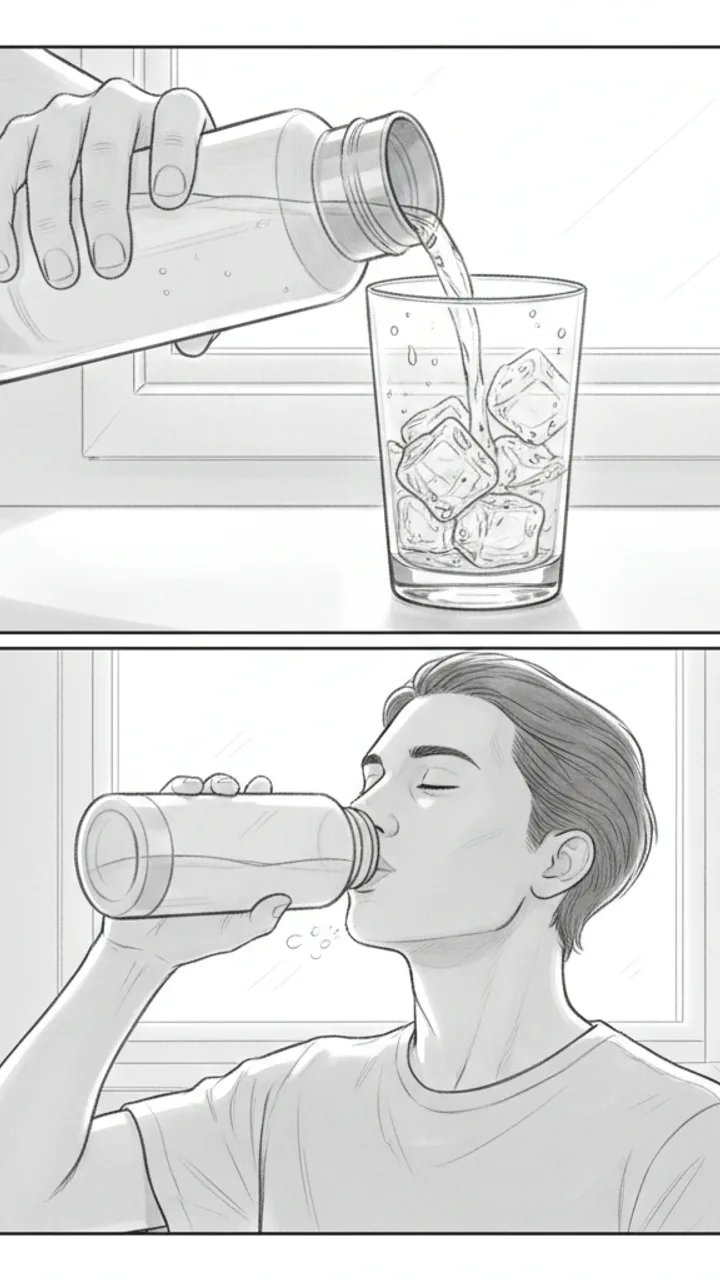
Proof Shot 2 and 3 — Pour and Taste
0:20 - 0:35 · 15s
Visual: Shot 1: Creator pours water over a clear glass — ice tumbles out, water is visibly cold with condensation forming on the glass instantly. Text overlay: 'COLD WATER. NOT LUKEWARM.' Shot 2: Creator takes a sip straight from the bottle, genuine reaction, slight exhale of relief. Text overlay: 'ACTUALLY COLD.'
Audio: That pour is cold — not just cool, actually cold. And drinking straight from it after sitting in a hot car? That's the whole point of the Loom Bottle for me. Link in bio if you want one — they go fast.
Note: The sip reaction needs to feel real. Do a genuine take, not performed surprise. The glass pour shot gives visual proof the ice survived — don't skip it.
Generate yours to see all 3 scenes unlocked
Includes hook variations, AI judge scores, and storyboard sketches per scene.
Generate your script freeFrequently asked questions
Can the AI match my specific tone of voice for finance content?
Yes. WeKlapp doesn't use a generic 'finance' persona. It ingests your existing TikTok transcripts to learn your specific slang, your preferred sentence length, and how you typically introduce a brand. If you're sarcastic and fast-paced, the scripts will reflect that 'peer-to-peer' energy rather than sounding like a financial advisor.
How does it handle brand safety for finance partnerships?
The generator includes an AI judge panel that specifically flags 'get rich quick' language or overly aggressive claims that could land a creator in hot water. It cross-references the script against the brand's 'do not say' list provided in the brief, ensuring you don't have to do multiple rounds of revisions for compliance.
Does the script include notes for on-screen text and captions?
Absolutely. In personal finance, on-screen text is crucial for reinforcing numbers. The output provides a side-by-side view: the spoken dialogue on the left and the 'Visual/OSG' notes on the right, telling you exactly when to pop up a graph, a dollar amount, or an arrow pointing to a specific button.
Can I use it for different types of finance videos, like 'Day in the Life' or 'Budget with Me'?
The tool recognizes different sub-genres within finance. A 'Budget with Me' script will prioritize POV shots and tactile sounds, while a 'Market News' script will focus on green-screen layouts and fast-paced newsroom-style delivery. You just select the 'archetype' before generating the draft.
What if the brand brief is a long, boring PDF?
That is exactly what this is for. You upload the PDF, and the AI extracts the mandatory talking points, the campaign hashtags, and the USP (Unique Selling Proposition). It then weaves those into a script structure that feels like a natural TikTok instead of a narrated slide deck.
Related script templates
Generate your first script in under a minute
Paste a channel link and a brand brief. WeKlapp handles the analysis, scriptwriting, judging, and storyboarding.
Start free