
Pets TikTok Script Generator
A Chewy or Petco brief lands at 10:00 AM Monday. The shoot is scheduled for Thursday morning to catch the natural light in the living room. For a pet creator, the clock isn't just about the deadline; it is about the window of time your cat is actually awake or your dog hasn't finished his morning energy burst. Most AI tools fail here because they suggest impossible actions, like asking a parrot to perform a three-step trick in a single five-second continuous shot. They ignore the logistics of high-value treats, clicker timing, and the reality that a pet will rarely hit their mark on the first take. WeKlapp functions as an executive producer that understands these constraints. It doesn't just generate dialogue; it structures the script around your specific production style, ensuring the brand integration feels like a natural part of your pet's routine rather than a forced commercial that kills your engagement rate.
Trained on what works in the pets corner of TikTok
Hook variations tuned to the first 2 seconds of attention
Brand-fit angles vetted by an AI judge panel
Scene-by-scene storyboards you can revise in one click
25-Minute Dinner That My Kids Actually Finished
Hook: “This one pan saved my Tuesday.”
Angle: A busy mom gives an unfiltered, real-time verdict on a Pantry Box weeknight kit — from box to plate in under 25 minutes, with kids as the ultimate judges.
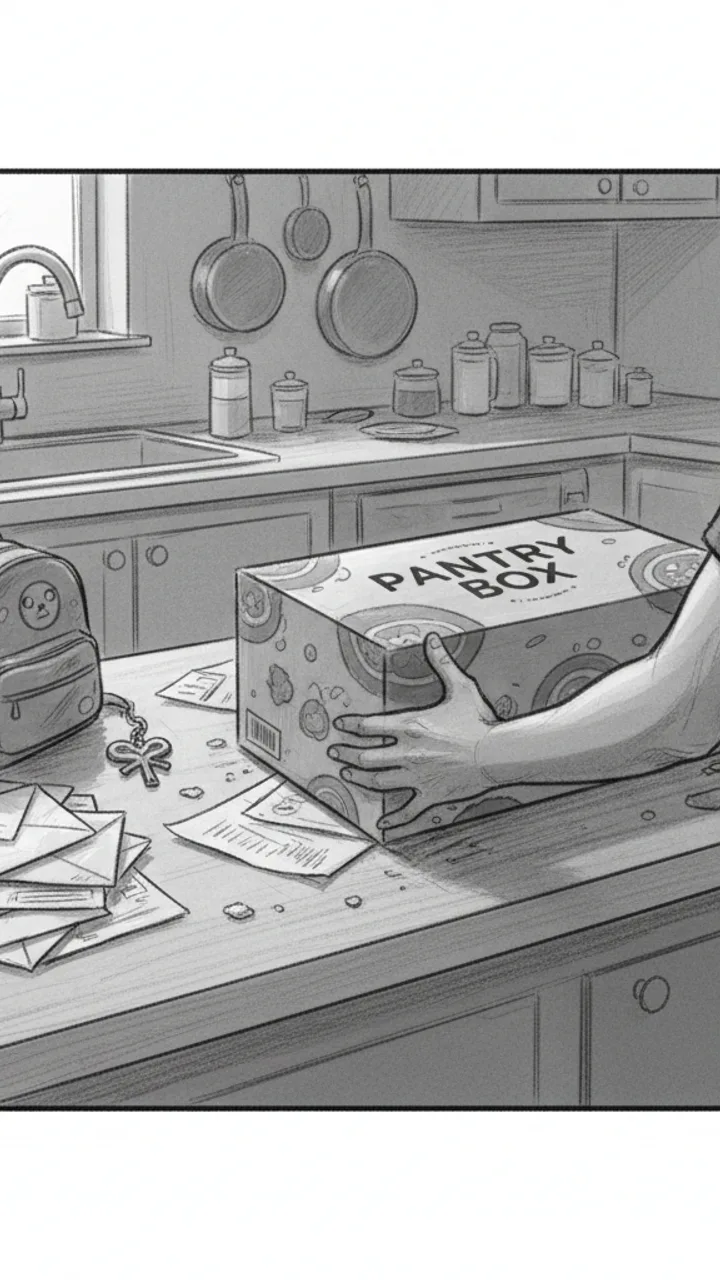
Hook
0:00 - 0:03 · 3s
Visual: Tight over-the-shoulder shot of a cluttered kitchen counter. Creator slaps a Pantry Box kit down next to a pile of unopened mail and a kid's backpack. Text overlay center screen: 'THIS ONE PAN SAVED MY TUESDAY'
Audio: This one pan saved my Tuesday.
Note: Hook line doubles as thumbnail headline. Keep it fast — no music intro, just ambient kitchen noise then voice.
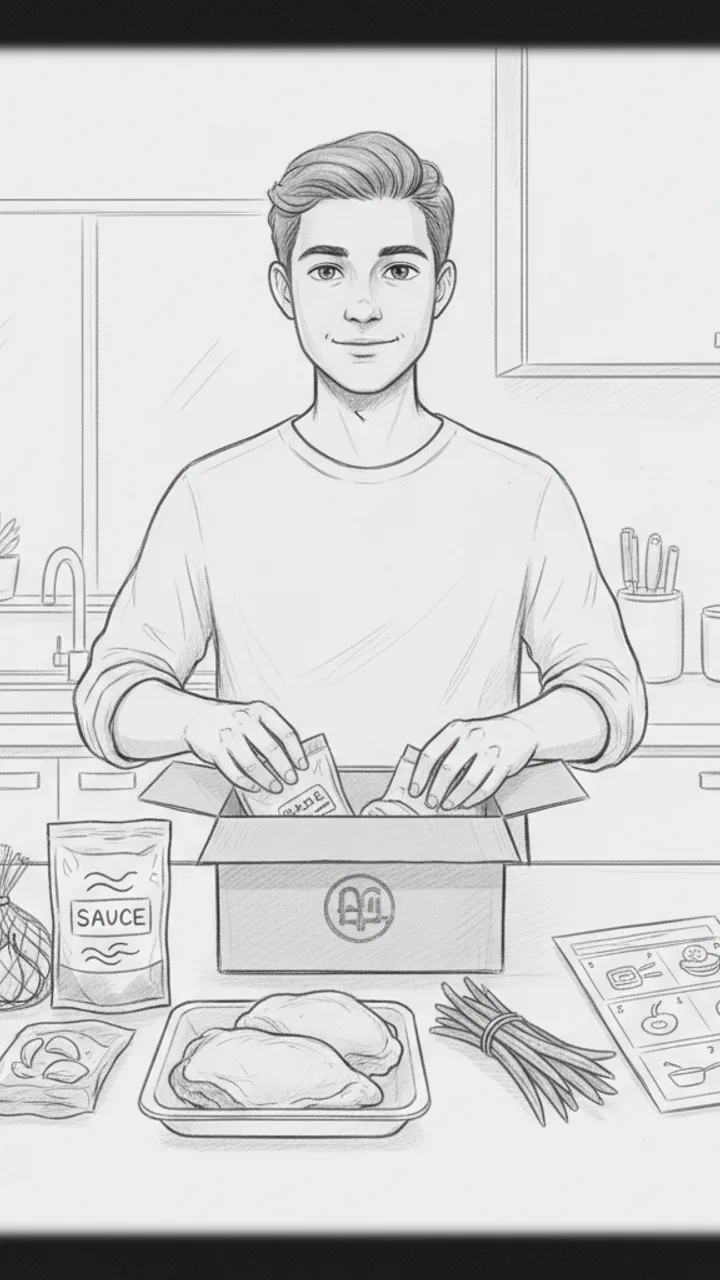
Unbox + Honest Setup
0:03 - 0:15 · 12s
Visual: Medium shot, creator facing camera at counter, pulling ingredients out of the Pantry Box kit one by one — pre-portioned garlic, a sauce packet, chicken thighs, green beans. Quick cut to close-up of the instruction card. Text overlay bottom of screen: 'Pantry Box honey garlic chicken kit'
Audio: Okay so I've tried maybe six of these kits now and honestly? Some of them are a lot of chopping dressed up as convenience. This one though — garlic's already minced, sauce is pre-made, and everything fits in one pan. I'm a little suspicious it's going to be good.
Note: Keep the skeptical tone genuine. Do not oversell. The 'suspicious it's going to be good' line builds authentic tension.
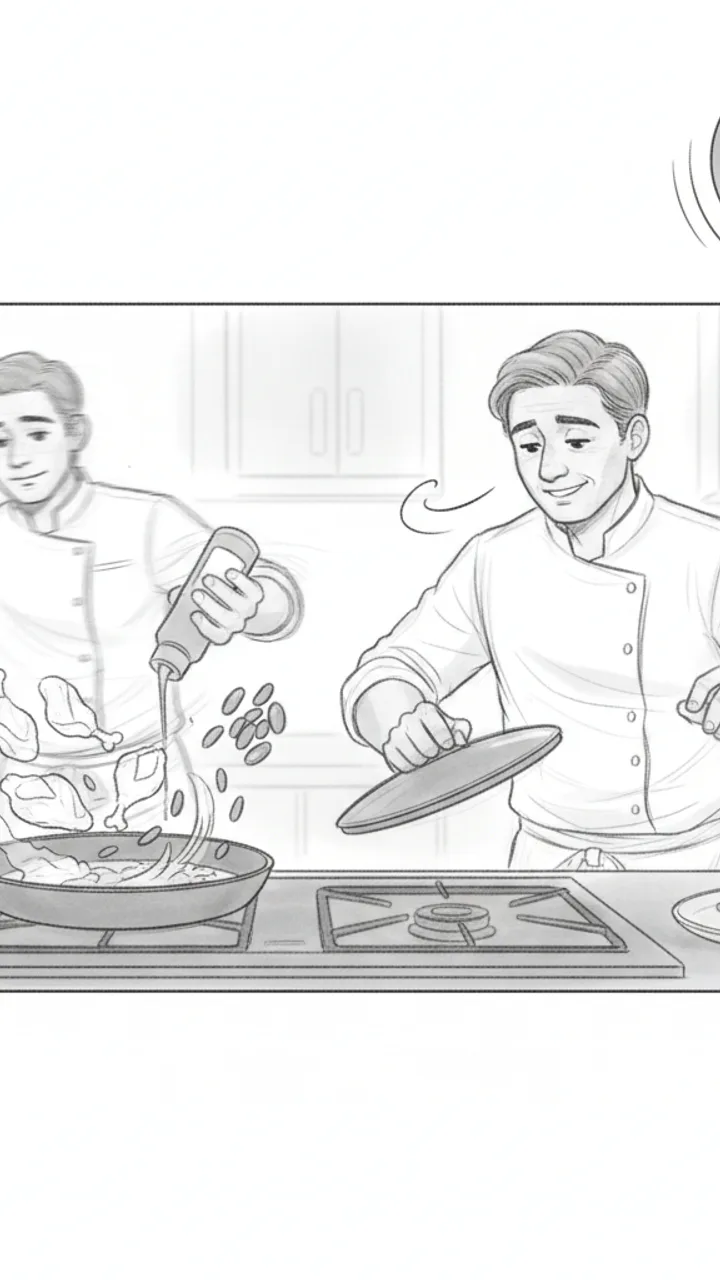
The Cook
0:15 - 0:30 · 15s
Visual: Sped-up wide shot of creator cooking — chicken going into the pan, sauce being poured, green beans added to the same pan. Clock graphic in corner ticking up to 22 minutes. Cut to creator lifting the lid and leaning in to smell it. Text overlay: '22 minutes. One pan. No disasters.'
Audio: I started this at 6:08. It's 6:30 and my kitchen smells like a restaurant, which — for a Tuesday — I'll take. One pan, one wipe-down, done.
Note: Use real timestamps if possible for authenticity. The sped-up cook with a real clock builds credibility without fabricating a claim.
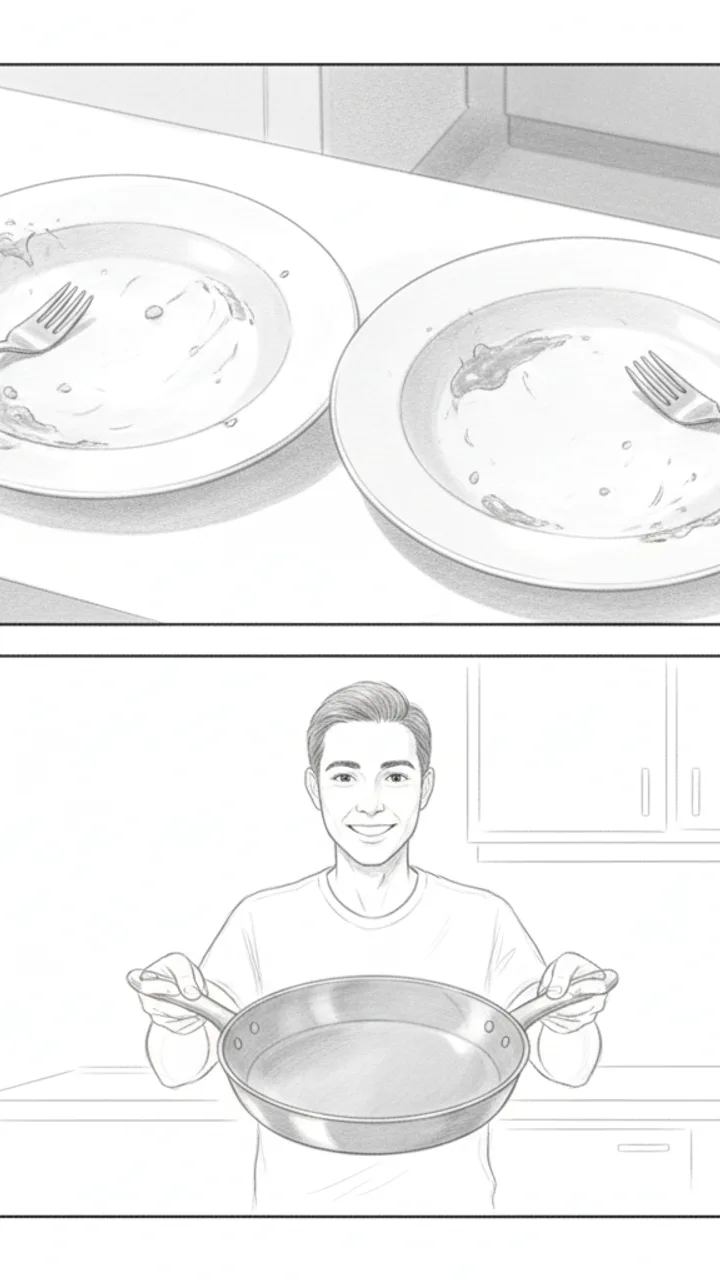
Kid Verdict + CTA
0:30 - 0:42 · 12s
Visual: Handheld close-up of two kids' plates — both mostly empty. Pan to creator holding up the empty pan toward camera with a shrug and a grin. Text overlay: 'Empty plates = mom win' then fade to: 'Link in bio — first box discount'
Audio: Both kids ate it. My seven-year-old asked if we could have it again, which is the only review that actually matters in this house. Not every kit lands like this one did — but for me, this is the one I'd reorder. Link in bio if you want to try it.
Note: CTA is soft and personal. Avoid superlatives. The 'not every kit lands' callback to scene 2 keeps the honest framing intact through the end.
Generate yours to see all 4 scenes unlocked
Includes hook variations, AI judge scores, and storyboard sketches per scene.
Generate your script freeMonday Morning: Translating the Brand Brief Without Losing Your Voice
Tuesday: Sifting Through Variations and the AI Judge Panel
- Day-in-the-life structure with integrated product placement.
- Educational 'did you know' hooks for health-focused supplements.
- Humorous POV scripts focusing on the pet's inner monologue.
- Problem-solution setups for cleaning products or tough-to-handle behaviors.
Wednesday: From Storyboard Sketches to the Final Shot List
Success in the pet niche depends on capturing the 10% of usable footage between the 90% of chaos, and a structured shot list is the only way to ensure that 10% actually covers your brand obligations.
Thursday: The Export and Handoff for Review
Example hooks WeKlapp will generate
Common mistakes (and what to do instead)
✗ Scripting long, complex dialogue for the creator to say while the pet is doing something cute in the background.
→ Use voiceovers for heavy information and keep on-camera dialogue to short, punchy reactions to avoid losing the shot when the pet moves.
✗ Placing important on-screen text in the 'dead zones' of the TikTok UI where the caption or profile icon sits.
→ Map out the 'safe zones' in your storyboard and place all product benefits in the center-top third of the frame.
✗ Opening the video with a static shot of the product packaging.
→ Open with the pet's reaction or a high-movement action shot, and introduce the product as the 'solution' at the 4 or 5-second mark.
Ice Still Rattling After 8 Hours in a Hot Car
Hook: “I left this in my car all day — it was 94 degrees outside.”
Angle: Real-world heat stress test proves insulation claim through three sequential proof shots with no staging.
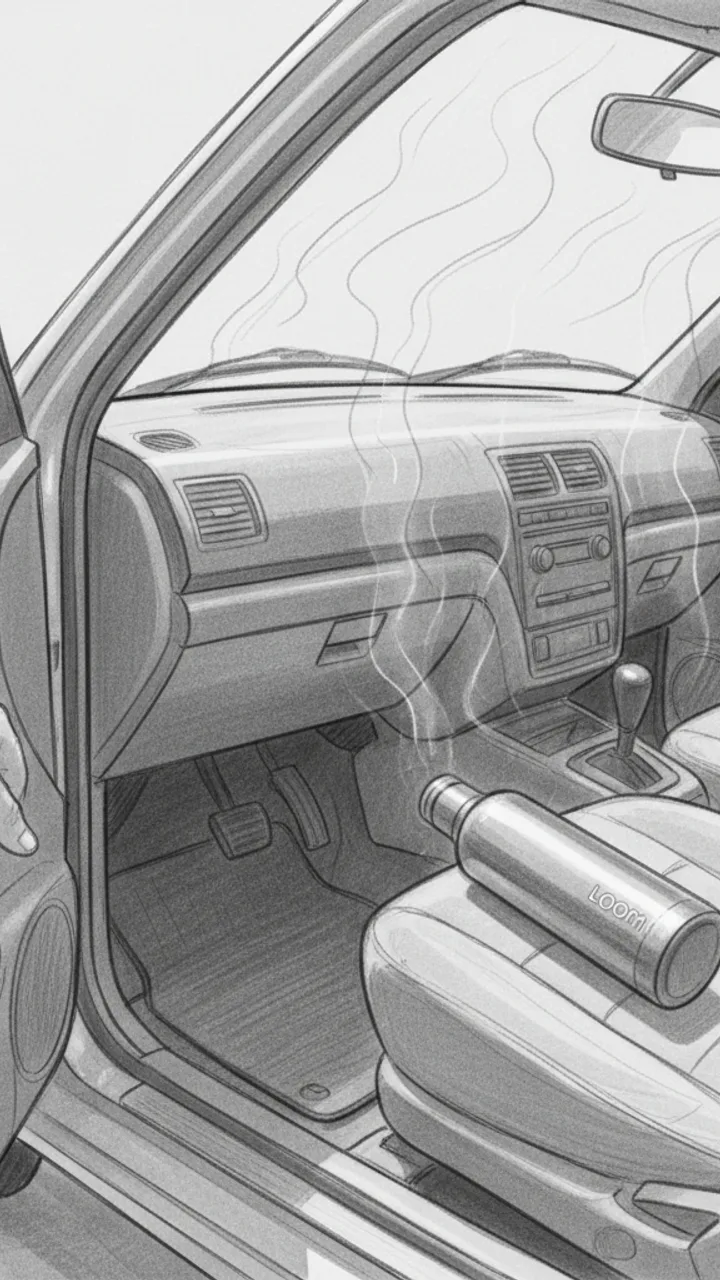
Hook — Hot Car Reveal
0:00 - 0:08 · 8s
Visual: POV handheld shot opening a sun-baked car door, heat shimmer visible. Creator reaches in and grabs the Loom Bottle off the passenger seat. Text overlay in bold white: 'LEFT IN A 94° CAR ALL DAY'
Audio: I left this in my car all day — it was 94 degrees outside. Dashboard was hot to the touch. Let's see what's inside.
Note: Shoot mid-afternoon for real heat shimmer. Keep the grab motion quick and confident — no hesitation.
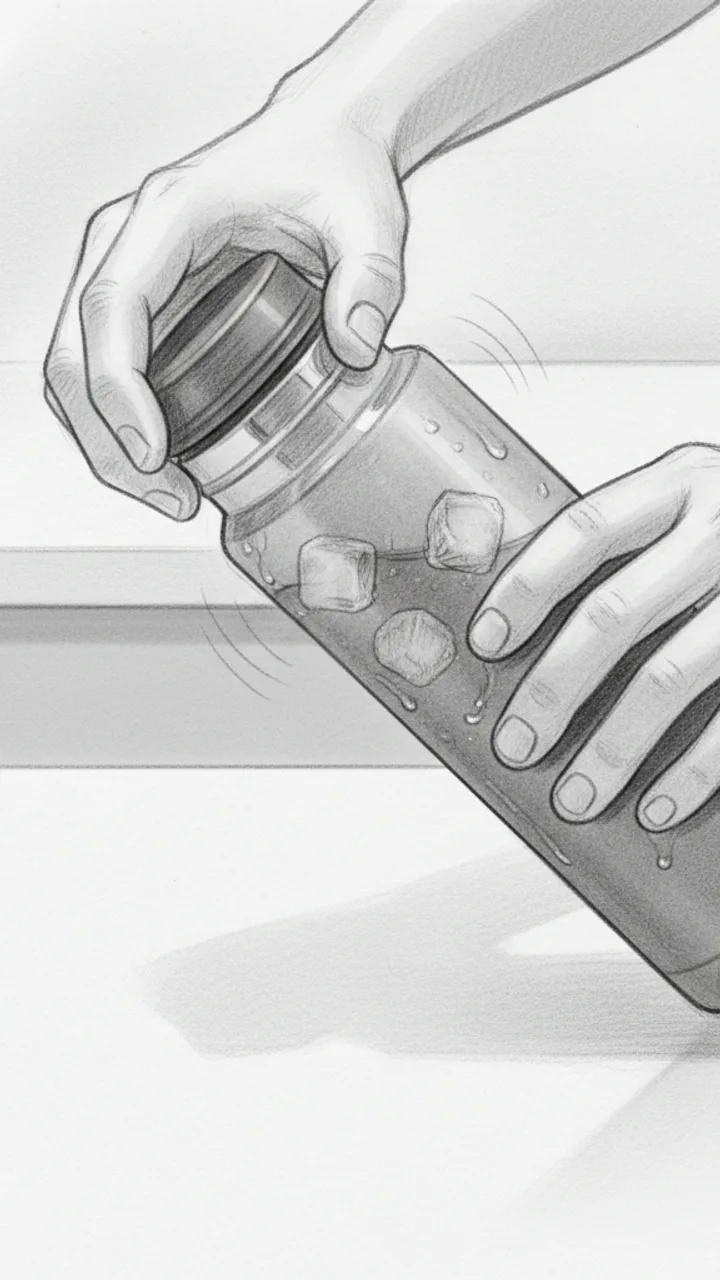
Proof Shot 1 — The Open
0:08 - 0:20 · 12s
Visual: Close-up shot of creator unscrewing the lid over a white countertop. Steam condensation visible on the outside of the bottle. Ice cubes audibly rattle as the lid comes off. Creator tilts bottle so ice is visible on camera. Text overlay: 'STILL ICE. 8 HOURS LATER.'
Audio: Eight hours later — listen to that. Full ice. In my testing I've never had it melt down this fast, but today was a real push and it held. You can see the condensation on the outside — that's how cold it still is in there.
Note: Capture the rattle sound clearly — this is the money audio moment. Use a lavalier mic or get the phone close to the bottle mouth.
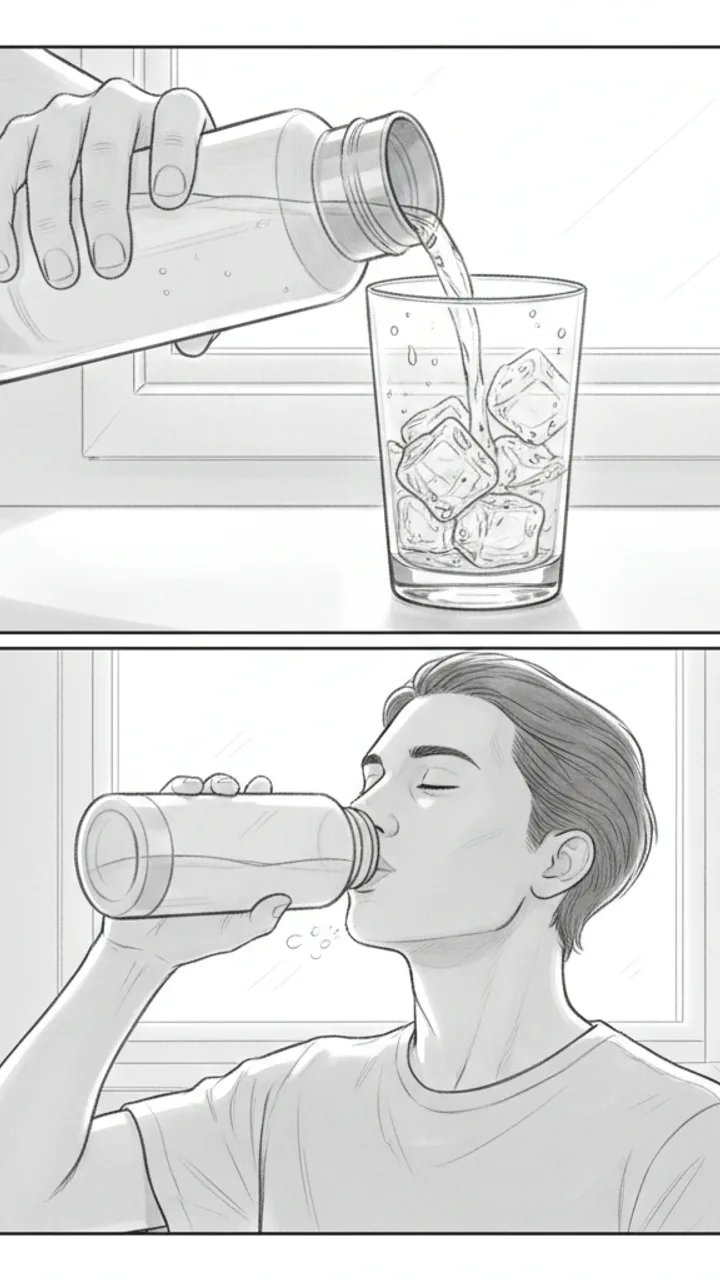
Proof Shot 2 and 3 — Pour and Taste
0:20 - 0:35 · 15s
Visual: Shot 1: Creator pours water over a clear glass — ice tumbles out, water is visibly cold with condensation forming on the glass instantly. Text overlay: 'COLD WATER. NOT LUKEWARM.' Shot 2: Creator takes a sip straight from the bottle, genuine reaction, slight exhale of relief. Text overlay: 'ACTUALLY COLD.'
Audio: That pour is cold — not just cool, actually cold. And drinking straight from it after sitting in a hot car? That's the whole point of the Loom Bottle for me. Link in bio if you want one — they go fast.
Note: The sip reaction needs to feel real. Do a genuine take, not performed surprise. The glass pour shot gives visual proof the ice survived — don't skip it.
Generate yours to see all 3 scenes unlocked
Includes hook variations, AI judge scores, and storyboard sketches per scene.
Generate your script freeFrequently asked questions
How does the AI know my specific pet's personality?
The system analyzes your previous uploads to identify recurring themes, nicknames, and the 'vibe' of your content. If you typically post high-energy training videos, it won't suggest a slow, aesthetic morning routine script. It looks for the patterns in how you interact with your animals and mirrors that pacing.
Does the generator handle multi-pet households?
Absolutely. You can specify in the production notes which pet is the 'lead' and which is the 'supporting' character. The script will then include specific cues for multi-pet interactions, such as 'cut to the cat watching the dog from the counter,' to keep the visual storytelling dynamic.
What if the brand brief is just a vague text message?
You can paste any text into the intake tool. The AI will extract the core requirements—like the CTA and key product features—and fill in the gaps with industry-standard best practices for pet content, turning a two-sentence text into a fully realized 30-second script.
Is the storyboard detailed enough for a videographer?
The storyboard sketches are designed as visual references for composition. They show framing (close-up vs. wide), placement of the pet, and movement direction. While they aren't high art, they serve as a clear blueprint for whoever is behind the camera, whether that's you or a partner.
How does it handle different platforms like Instagram Reels vs TikTok?
While this tool is optimized for the fast-paced, hook-heavy style of TikTok, you can toggle the 'platform' setting. For Reels, it will suggest more 'aesthetic' transitions and longer-held shots, whereas for TikTok, it prioritizes rapid cuts and curiosity-gap hooks.
Related script templates
Generate your first script in under a minute
Paste a channel link and a brand brief. WeKlapp handles the analysis, scriptwriting, judging, and storyboarding.
Start free