
Photography TikTok Script Generator
A creator stands in a dark studio, holding a single RGB tube light. They don't speak. They flick the power switch, the frame floods with deep cyan, and the beat drops exactly as the first text overlay hits the screen. This three-second sequence creates more retention than a two-minute technical lecture ever could. Most photography scripts fail because they prioritize the gear specs over the visual payoff, ignoring the fact that TikTok is a visual-first medium where the audio must serve the edit. If your script starts with 'Hey guys,' you have already invited the viewer to scroll. Successful photography content relies on a specific 'problem-pivot-payoff' cadence that mirrors how we actually work in the studio. WeKlapp focuses on this rhythmic structure, ensuring your brand integrations for Sony or Peak Design feel like a natural extension of your creative process rather than a jarring commercial break that kills your reach.
Trained on what works in the photography corner of TikTok
Hook variations tuned to the first 2 seconds of attention
Brand-fit angles vetted by an AI judge panel
Scene-by-scene storyboards you can revise in one click
I Was Paying $47/Month for Nothing
Hook: “I just found out I'm paying for three subscriptions I completely forgot existed.”
Angle: Creator opens the Ledger & Rye app live on camera and reacts in real time to forgotten subscriptions draining $47/month from their account.
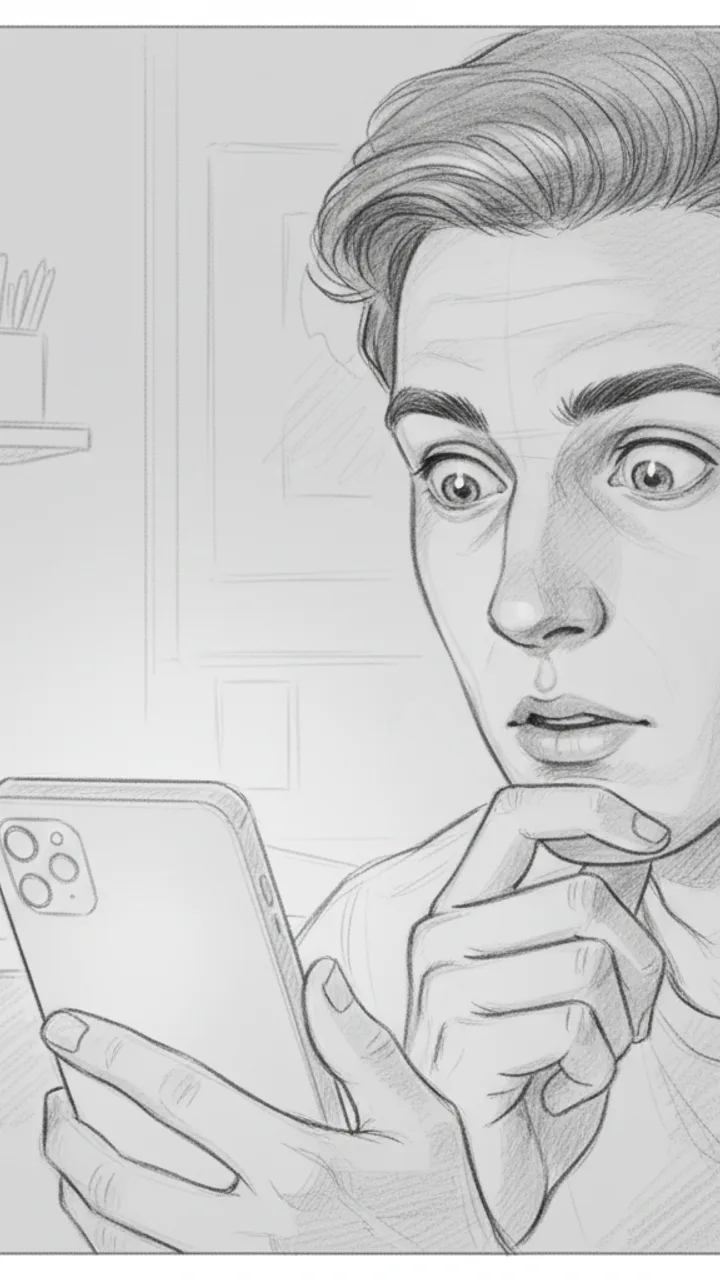
Hook
0:00 - 0:03 · 3s
Visual: Tight close-up on creator's face, slightly over-the-shoulder angle, phone screen faintly visible in hand. Text overlay in bold white: '$47/MONTH I FORGOT ABOUT'
Audio: I just found out I'm paying for three subscriptions I completely forgot existed.
Note: Deliver with a flat, tired expression — not dramatic, just genuinely annoyed at yourself. Hook doubles as thumbnail headline.
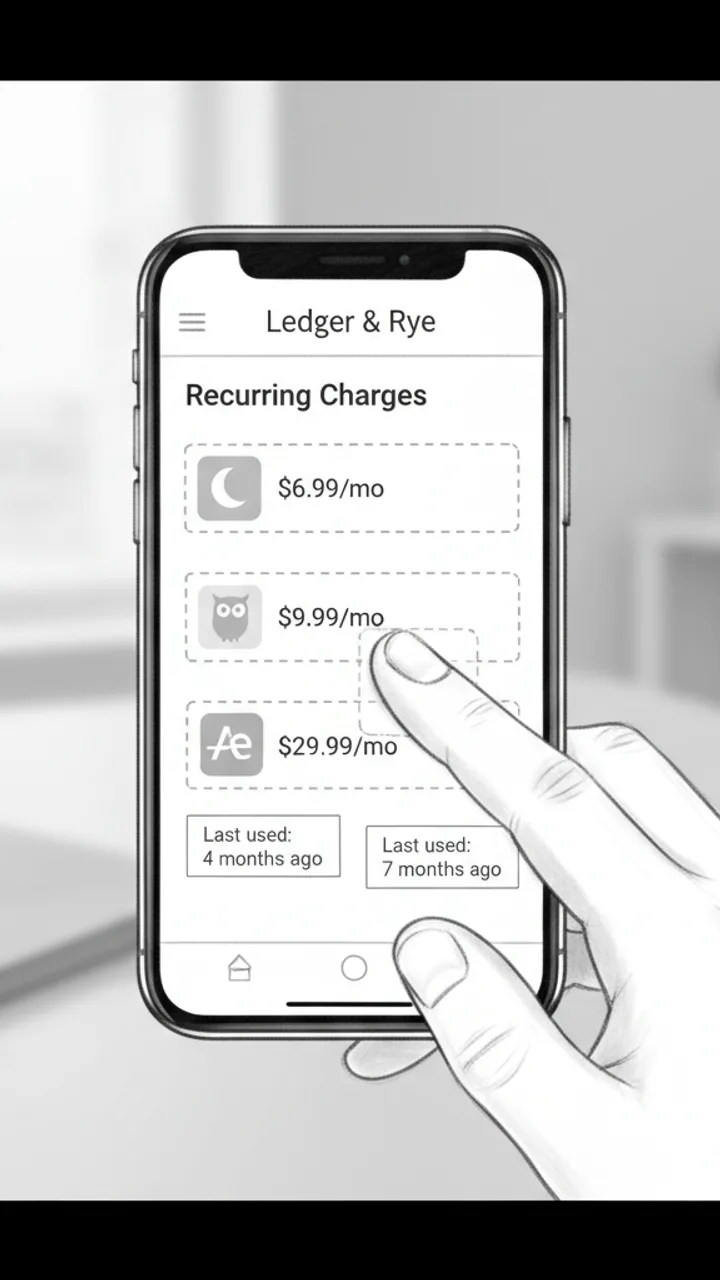
The Discovery
0:03 - 0:18 · 15s
Visual: Screen recording of Ledger & Rye app open to a 'Recurring Charges' summary panel. Three line items animate in one by one: 'Calm — $6.99/mo', 'Duolingo Plus — $9.99/mo', 'Adobe Express — $29.99/mo'. Creator's thumb taps each one. Text overlay appears under each: 'Last used: 4 months ago', 'Last used: 7 months ago', 'Last used: 2 months ago'
Audio: So I opened Ledger and Rye and it flagged this 'Recurring Charges' section — and there's Calm, which I downloaded during a very specific week in 2022. Duolingo Plus, because apparently I was going to learn Portuguese. And Adobe Express for $30 a month, which… I genuinely cannot explain.
Note: Keep the screen recording clean and unedited — real app UI, no motion graphics added in post. The mundane specificity of the apps is the joke.
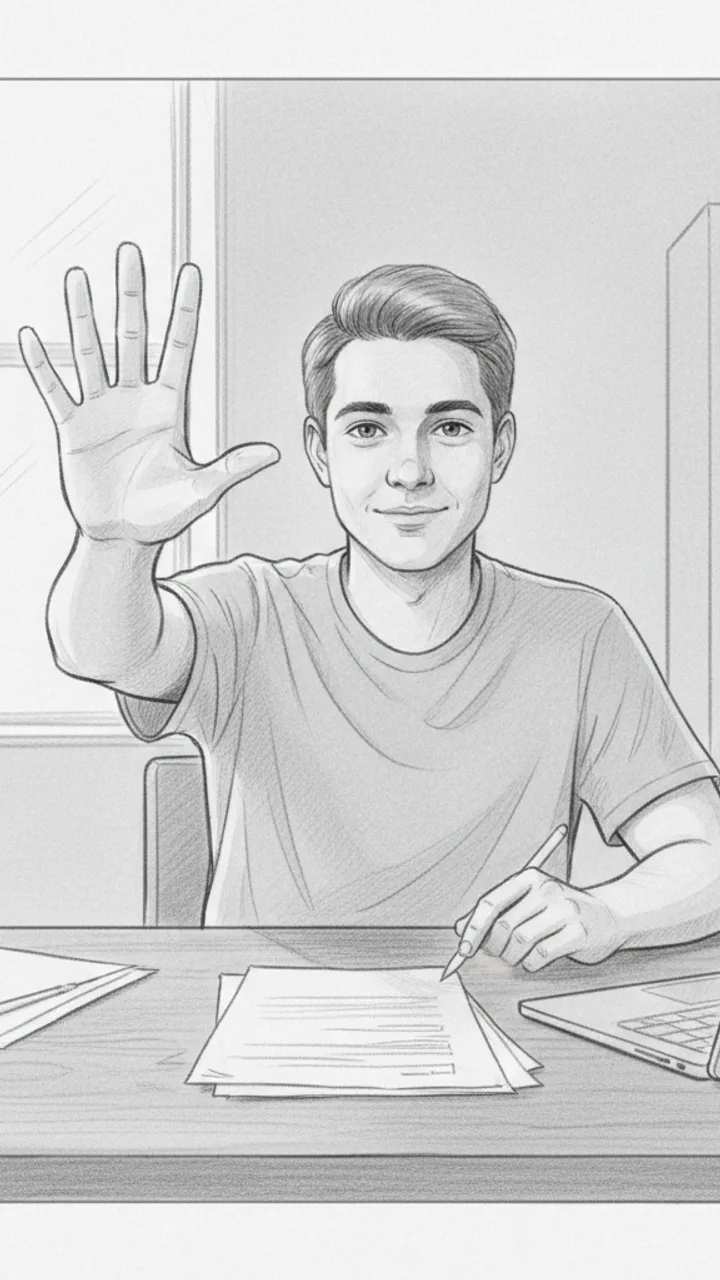
The Math
0:18 - 0:30 · 12s
Visual: Cut back to creator on camera, medium shot, sitting at a desk. Creator holds up three fingers and counts down. Text overlay bottom-center: '$47 / month = $564 / year'
Audio: That's $47 a month. Which is $564 a year. On apps I haven't opened since before I moved apartments. I cancelled all three in like four minutes. I'm not saying I'm bad with money, but I'm also not NOT saying that.
Note: Pause naturally after '$564 a year' — let the number land before the self-deprecating closer. No need to rush.
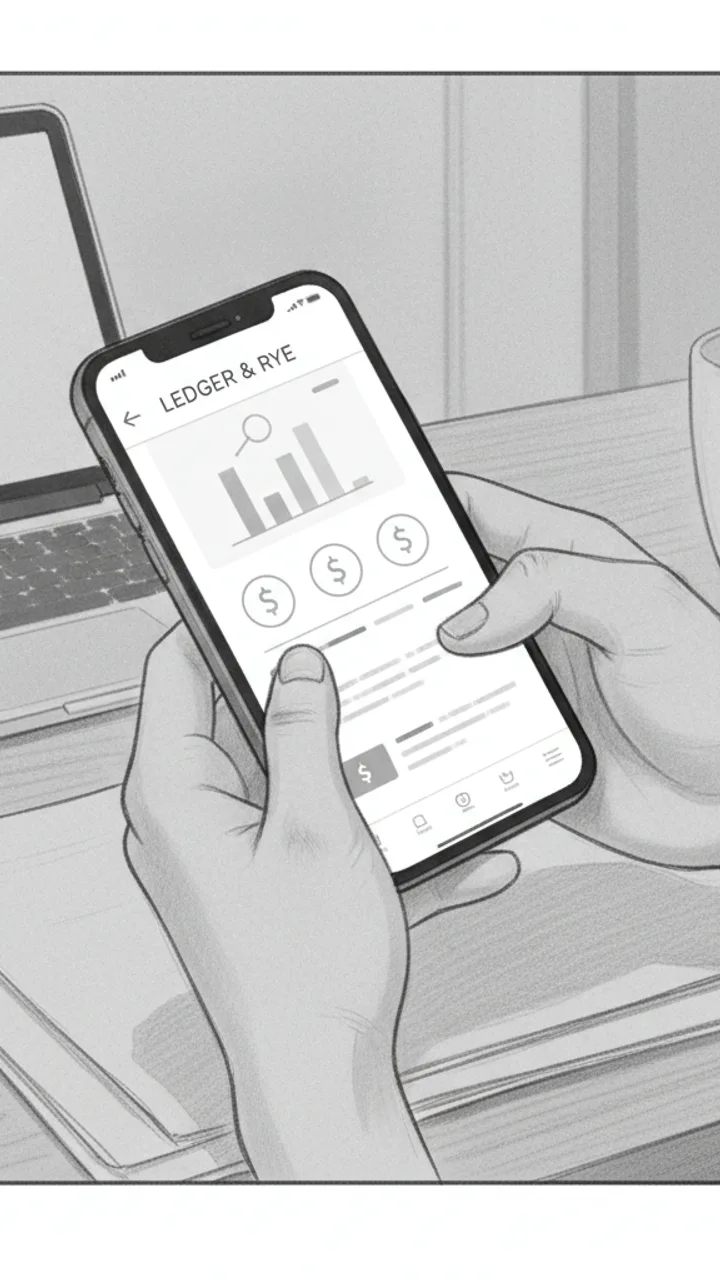
Soft CTA
0:30 - 0:38 · 8s
Visual: Creator tilts phone toward camera briefly showing the Ledger & Rye home screen, then sets it face-down. Minimal text overlay bottom-left: 'Ledger & Rye — link in bio'
Audio: If you haven't checked yours in a while, the app is called Ledger and Rye — it's free to start. Genuinely took me less time than this video to find all of it.
Note: Tone should feel like a recommendation to a friend, not a pitch. No urgency language. Creator sets the phone down casually — signals the video is over naturally.
Generate yours to see all 4 scenes unlocked
Includes hook variations, AI judge scores, and storyboard sketches per scene.
Generate your script freeThe Anatomy of a High-Retention Lighting Beat
Bridging the Gap Between Brand Briefs and Creator Style
- On-screen text prompts for ISO, Shutter, and Aperture overlays.
- Transition cues matched to shutter click sound effects.
- Specific prop callouts like 'attach Peak Design clip to strap' or 'adjust Sony eye-autofocus menu'.
- Visual pacing notes to ensure the product reveal doesn't happen during the peak drop-off window.
- Alternative hook angles based on common viewer objections like 'this is too expensive' or 'I don't have enough space'.
The Production Constraint Most Creators Ignore
The best script is the one you actually have the gear and the floor space to film before the sun goes down.
Handling Technical Edge Cases and Gear Logistics
Example hooks WeKlapp will generate
Common mistakes (and what to do instead)
✗ Leading with a gear list instead of an image result.
→ Show the final edited photo in the first 1.5 seconds, then work backward to the gear.
✗ Writing long technical explanations without visual B-roll coverage.
→ Use the 3-second rule: never stay on a 'talking head' shot for more than 3 seconds without a cutaway to the camera or light.
✗ Ignoring the 'save' potential of technical settings.
→ Put the specific camera settings in a text overlay so viewers have to save the video or pause to read them.
✗ Using generic 'cinematic' music that competes with the voiceover.
→ Select a track first and write your script beats to the rhythm of the music rather than fitting music to a finished edit.
These Shorts Don't Move When You Pull Heavy
Hook: “My shorts used to bunch up mid-deadlift. Fixed it.”
Angle: A no-nonsense home-gym trainer puts performance shorts through a real pull session and lets the details speak for themselves.
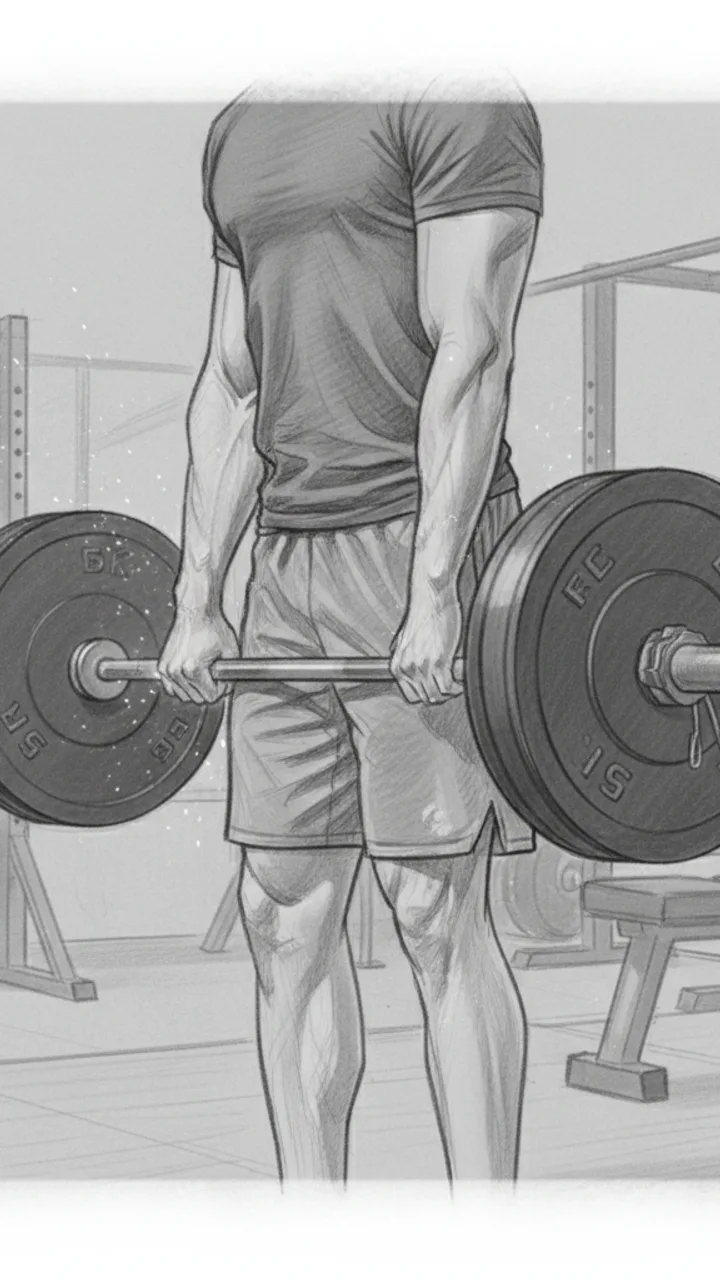
Hook
0:00 - 0:03 · 3s
Visual: Tight mid-shot from the side, creator standing over a loaded barbell in the home gym. Chalk on hands, shorts visible at thigh level. Text overlay top-center: 'SHORTS THAT DON'T MOVE WHEN YOU PULL'
Audio: My shorts used to bunch up mid-deadlift. Fixed it.
Note: Cut in at the moment hands touch the bar — no intro, no setup. Hook doubles as thumbnail text.
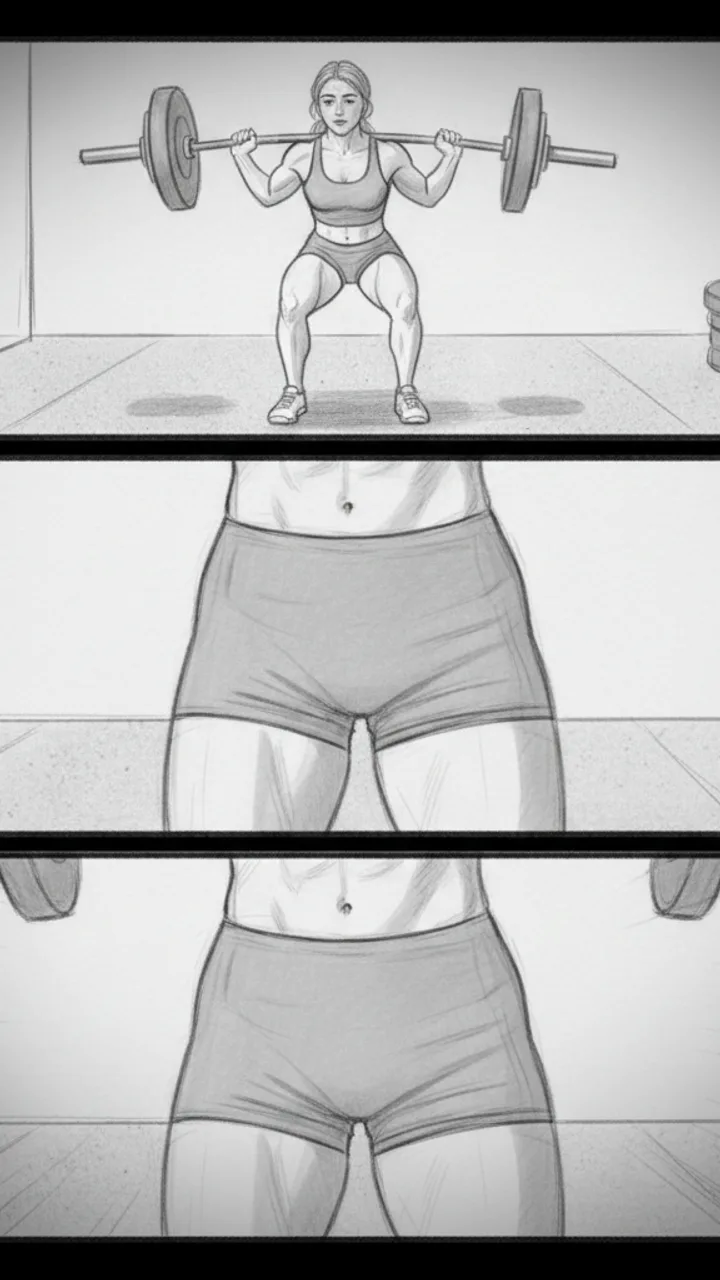
The Pull
0:03 - 0:18 · 15s
Visual: Wide angle showing full deadlift — setup, pull, lockout. Cut to close-up at the hip crease showing zero fabric ride-up at the top of the lift. Then a quick slow-mo replay of the lockout position. Text overlay at lockout: 'NO-RIDE-UP GUSSET'
Audio: This is the Reps Apparel short. Five-inch inseam. There's a gusset built into the crotch so when you hinge hard, the fabric moves with you — it doesn't climb. For me, that's the difference between thinking about the lift and thinking about my shorts.
Note: Keep the slow-mo clip under 3 seconds. The gusset callout text should appear exactly at lockout when thigh tension is highest.
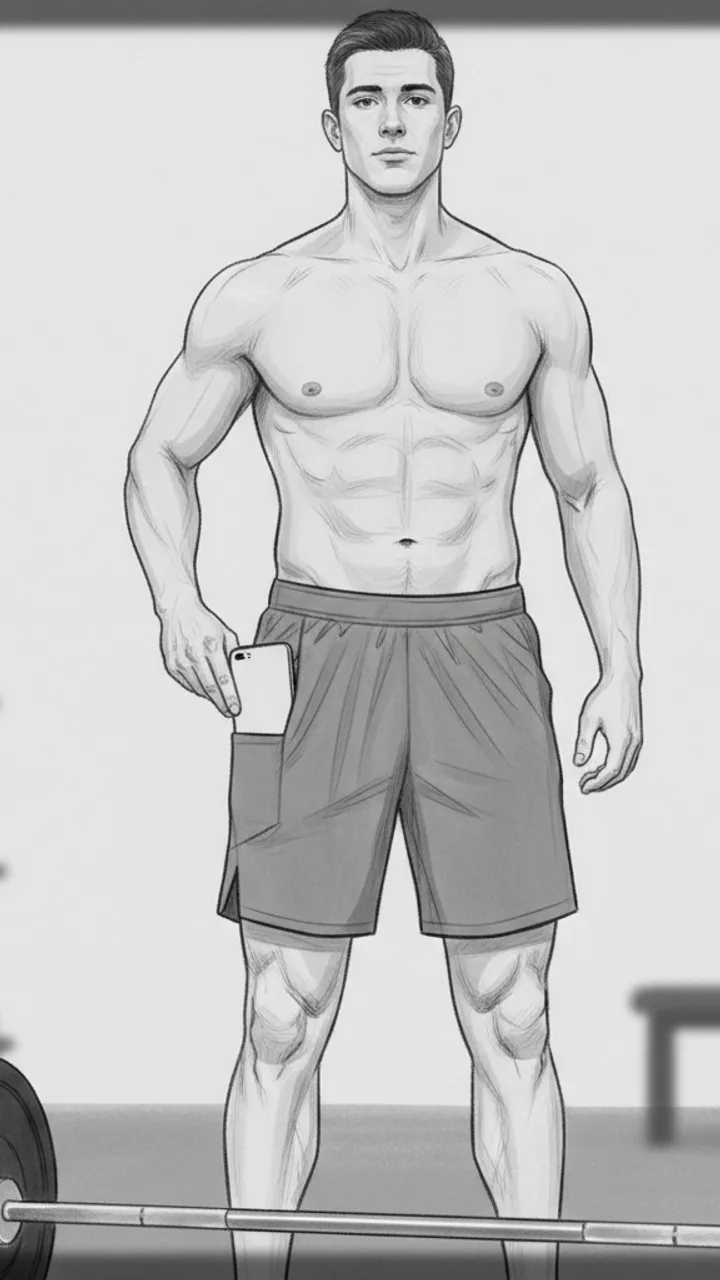
The Pocket Detail
0:18 - 0:30 · 12s
Visual: Creator sets the bar down, stands up straight. Reaches into what looks like a seamless side panel and pulls out a phone — hidden pocket reveal. Camera is chest-height, slightly angled up. Text overlay: 'HIDDEN PHONE POCKET — actually holds'
Audio: There's a hidden pocket on the side. My phone sits flat against my leg, doesn't bounce, doesn't print through the fabric. I've been using these through squat days, deadlift days, conditioning work — in my testing nothing has shifted or stretched out.
Note: The pocket reveal should feel incidental, not performed. Creator should glance at the phone briefly like checking a rest timer, then pocket it again.
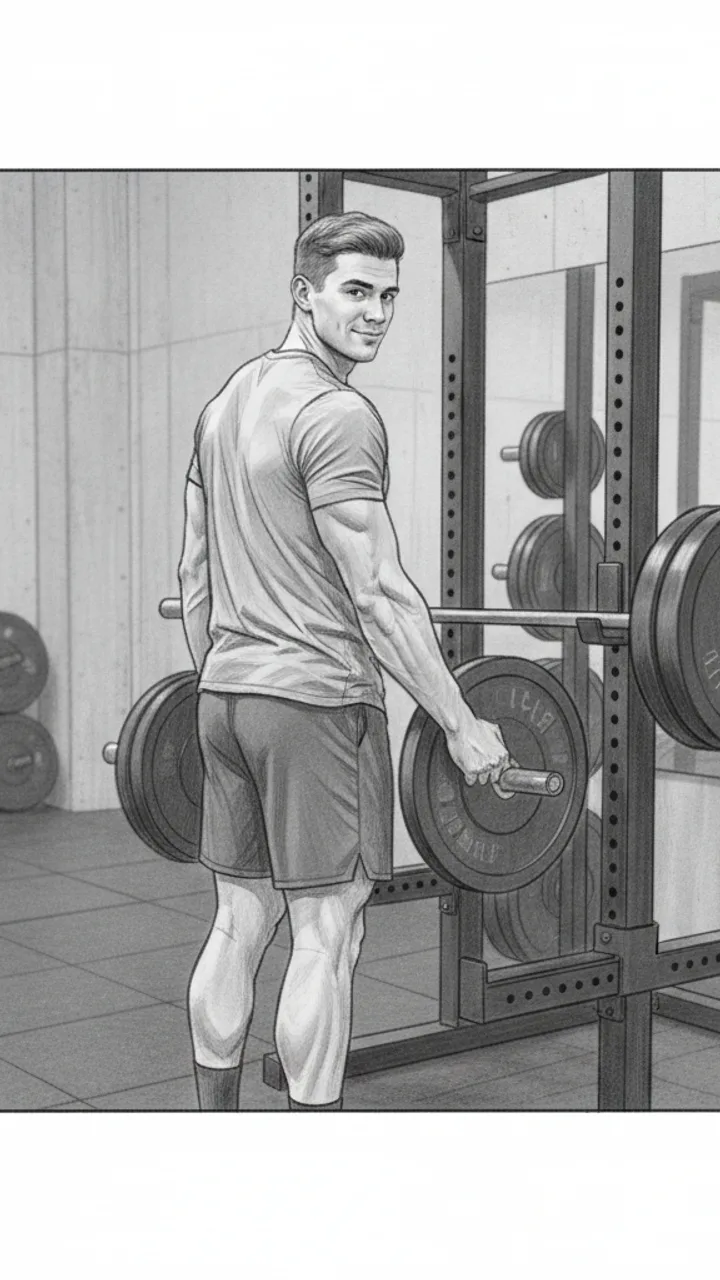
CTA
0:30 - 0:40 · 10s
Visual: Creator loads more weight onto the bar, back to the camera, glances back at lens. Relaxed, not posed. Text overlay bottom of frame: 'Link in bio — Reps Apparel'
Audio: If you train at home and you're tired of adjusting your shorts between sets, link's in my bio. That's it.
Note: Do not linger on the CTA. Cut to black or next clip immediately after the line lands. Keep it transactional, not salesy.
Generate yours to see all 4 scenes unlocked
Includes hook variations, AI judge scores, and storyboard sketches per scene.
Generate your script freeFrequently asked questions
Can the generator handle specific camera brand terminology?
Yes. When you upload a brief or your previous scripts, the AI identifies your brand ecosystem. If you shoot Sony, it won't suggest 'C-Log'—it will suggest 'S-Log3'. It understands the difference between a lens hood and a step-up ring, ensuring the script sounds like it was written by a photographer, not a generalist.
How does it handle the 'action' side of a photography tutorial?
Every script export includes a dedicated column for on-screen action and storyboard sketches. It suggests where to place your key light, when to pull focus, and which specific dials to show in close-up shots. This ensures your B-roll actually supports the technical points you are making in the audio.
What if the brand brief is a messy 20-page PDF?
You can upload the entire PDF. WeKlapp extracts the mandatory talking points, legal disclaimers, and visual requirements. It then filters these through a 'creator lens' to ensure the required brand mentions don't feel forced or out of place in your usual feed style.
Does it suggest trending audio or just write text?
It focuses on structural rhythm. While it doesn't track hourly music trends, it identifies 'audio archetypes'—like high-energy beat-synced cuts or ASMR-style gear unboxings—and writes the script pacing to match those specific auditory patterns.
Can I export the scripts to my teleprompter app?
The primary export is a Word document formatted for production, but the text is structured for easy copy-pasting into any standard teleprompter or mobile captioning app. The timecodes help you stay on pace while filming to ensure you don't go over the 60-second limit.
Related script templates
Generate your first script in under a minute
Paste a channel link and a brand brief. WeKlapp handles the analysis, scriptwriting, judging, and storyboarding.
Start free