Study TikTok Script Generator
A high-performing study TikTok usually starts with a visual stack: a blurry iPad screen, the scratch of an Apple Pencil, and a hook that addresses a specific pain point before the first cut. Within three seconds, the creator has transitioned from a wide shot of a messy desk to a tight macro of a Notion template or a Quizlet stack. This sequence isn't accidental; it’s a calculated response to the way students consume information while procrastinating. If a script feels like a lecture, they swipe. If it feels like a shortcut shared by a friend, they save. WeKlapp functions as an automated executive producer that understands this rhythm. It doesn't just generate text; it maps out the 'b-roll' beats and on-screen text overlays that keep the retention graph from dipping during the middle-of-the-video transition where most brand deals fail.
Trained on what works in the study corner of TikTok
Hook variations tuned to the first 2 seconds of attention
Brand-fit angles vetted by an AI judge panel
Scene-by-scene storyboards you can revise in one click
One Charger Replaced All Four on My Desk
Hook: “Four chargers on my desk — now it's one.”
Angle: A real desk teardown showing how a single 100W GaN brick eliminates cable chaos without sacrificing wattage per port.
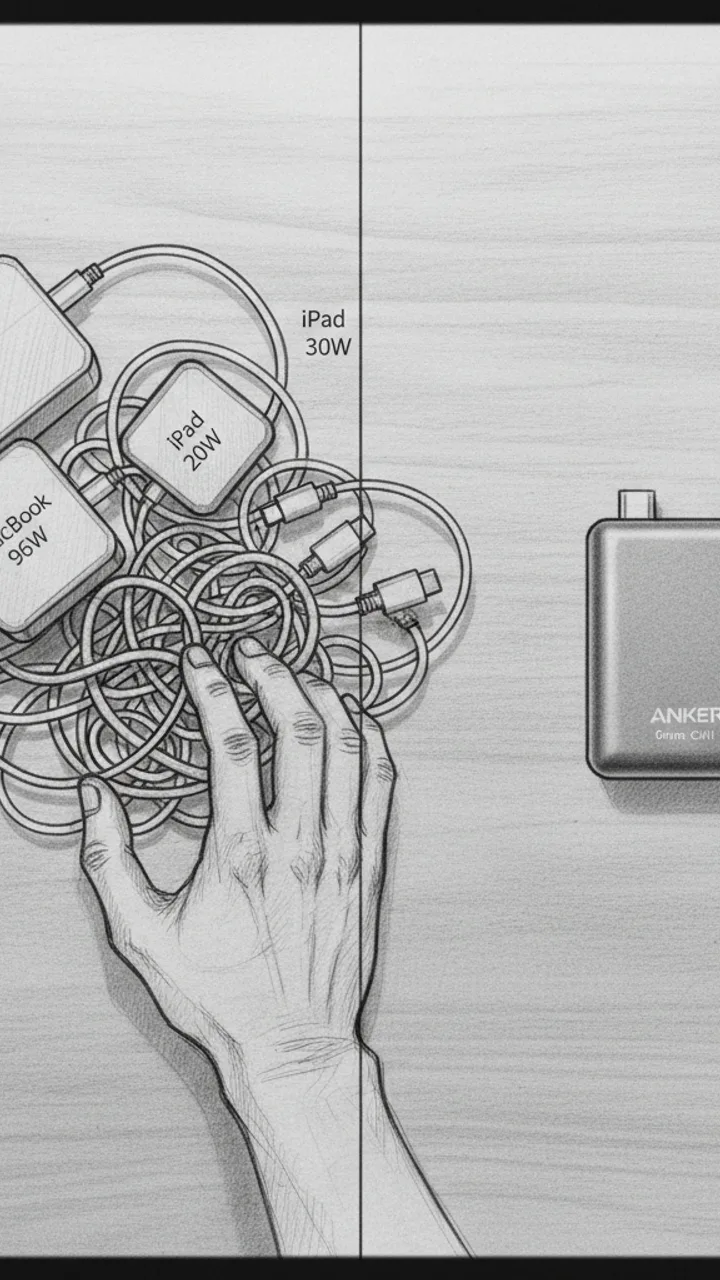
Hook
0:00 - 0:05 · 5s
Visual: Overhead flat-lay shot of a cluttered desk corner: four separate charger bricks tangled with cables — MacBook 96W, iPad 20W, phone 30W, earbuds 5W. Hand sweeps them into a pile. Cut to single Anker Prime unit sitting clean on the same corner. Text overlay: '4 CHARGERS → 1'
Audio: Four chargers on my desk — now it's one. This is the Anker Prime 100W GaN, and it actually pulls it off.
Note: Shoot the before state first with real gear, no staging. The contrast needs to feel honest, not art-directed.
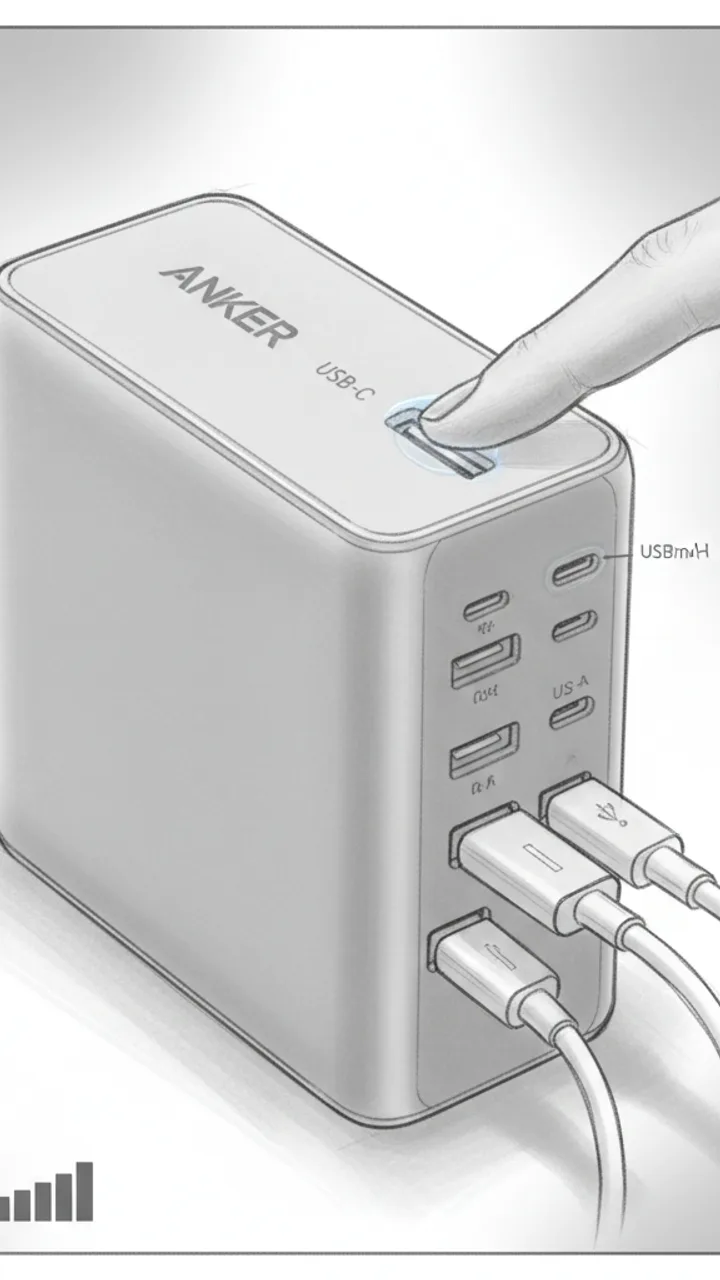
Port Breakdown
0:05 - 0:22 · 17s
Visual: Close-up macro shot rotating around the Anker Prime. Finger points to each port as it's named. Text overlays appear per port: 'USB-C Port 1 — up to 100W solo', 'USB-C Port 2 — up to 60W', 'USB-A — up to 22.5W'. Cut to all three cables plugged in simultaneously. Small on-screen wattage counter graphic showing combined draw.
Audio: Three ports — two USB-C, one USB-A. Solo on that top USB-C port, my MacBook Pro pulls a full 100 watts. Plug in two more devices and it redistributes dynamically. In my testing, MacBook was still pulling 67 watts with my phone and iPad both connected. That's not a given on cheaper GaN chargers.
Note: Use a USB-C power meter on screen if possible to show real wattage numbers — avoids any claim that feels fabricated.
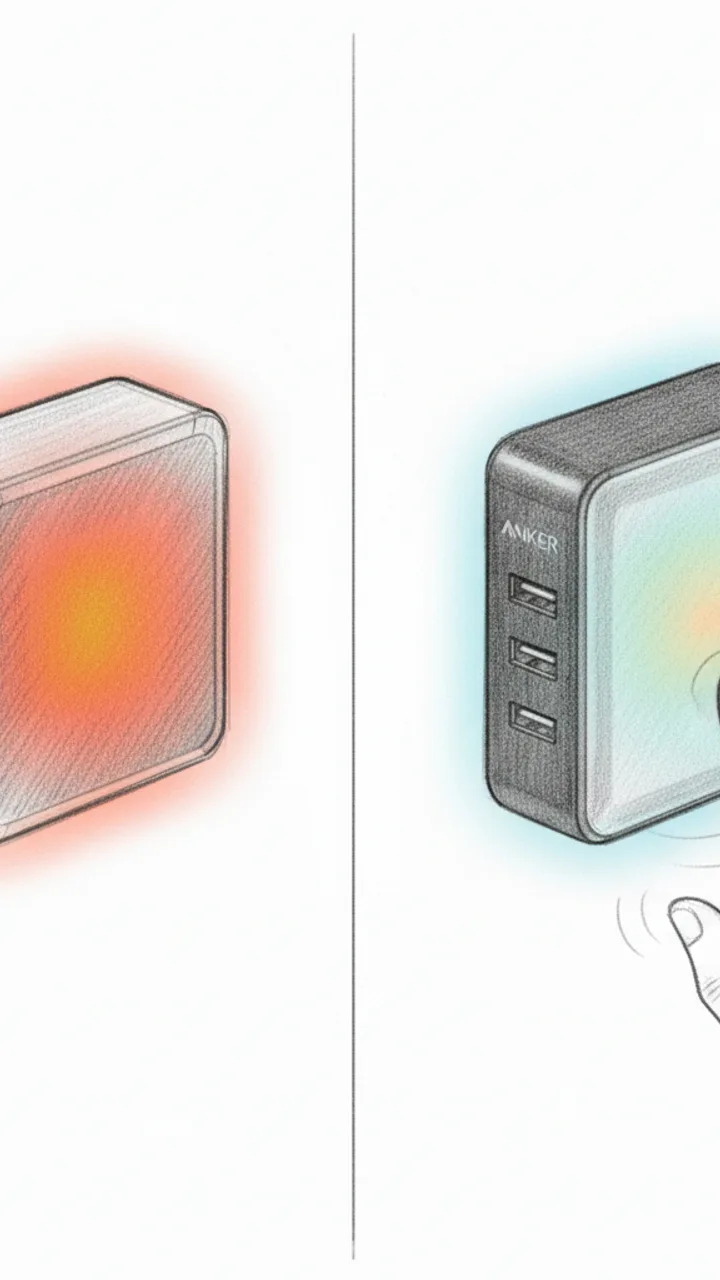
Thermal Check
0:22 - 0:42 · 20s
Visual: Side-by-side split screen: left shows a generic 65W non-GaN brick with a thermal camera overlay glowing orange-red after 30 minutes. Right shows the Anker Prime under the same thermal camera after 30 minutes at near-full load — cooler gradient. On-screen label: 'After 30 min at load'. Cut to hand touching the Anker Prime. Text overlay: 'Warm — not hot'
Audio: Thermal performance is where GaN either earns its price or doesn't. After 30 minutes pushing close to 90 watts total, in my testing the Anker Prime stayed warm to the touch — not the 'don't leave this plugged into your power strip' hot I've felt on older silicon chargers. The GaN internals are doing real work here.
Note: Use an actual thermal camera or FLIR app for authenticity. Do not use stock footage. If thermal camera isn't available, remove the split-screen and keep the hand-touch moment only.
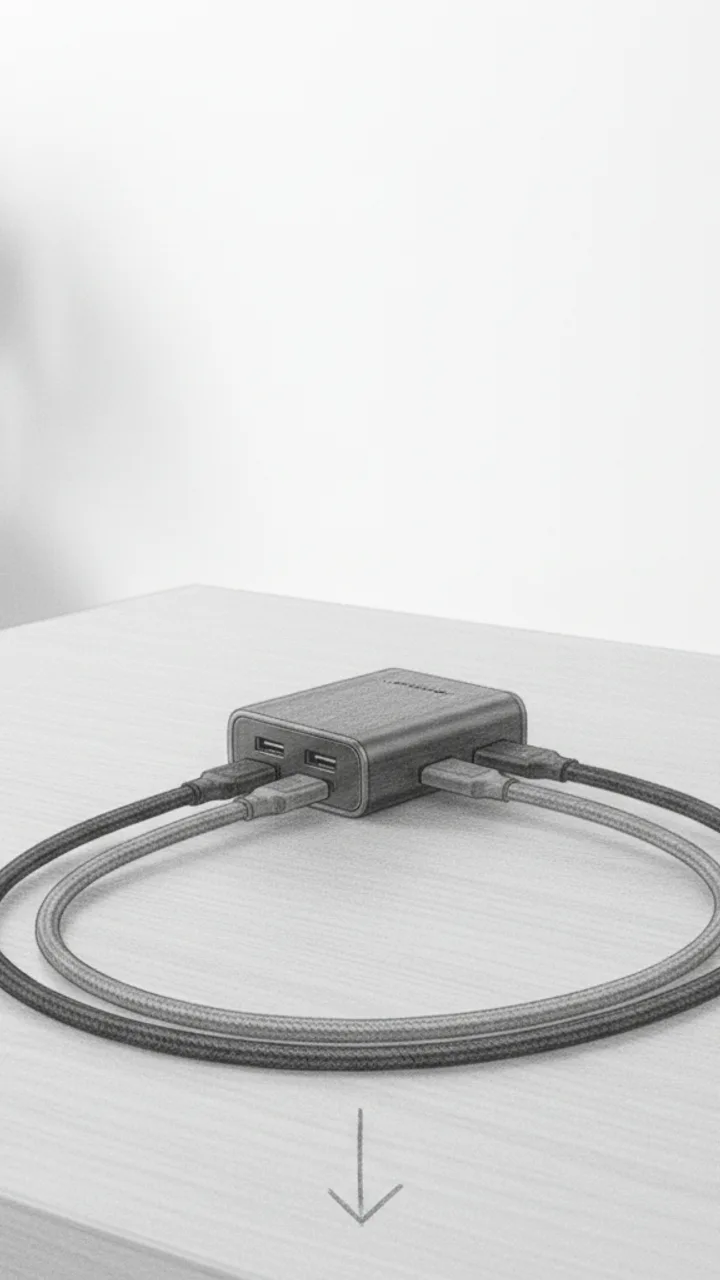
Payoff + CTA
0:42 - 0:55 · 13s
Visual: Wide shot of the clean desk with only the Anker Prime and three cables routed neatly. Slow zoom out. Text overlay: 'Link below'. Final frame: product alone on desk, no busy background.
Audio: For me, the desk math works out. One outlet, three devices, no compromise on speed. If your desk looks like mine did, link's below.
Note: Keep the CTA soft — no urgency language, no discount framing unless the brief specifically requests it. Let the visual do the selling.
Generate yours to see all 4 scenes unlocked
Includes hook variations, AI judge scores, and storyboard sketches per scene.
Generate your script freeDeconstructing the 'Problem-Pivot' Beat Pattern
How the Generator Maps Motion to Meaning
- Time-coded scene breaks that prevent 'one-take' monotony.
- On-screen text (OST) suggestions for key terms like 'Spaced Repetition' or 'Blurting Method'.
- Specific prop cues for Notion dashboards or Quizlet sets to ensure seamless brand integration.
- Tone-matching that avoids the 'cringe' factor of sounding like a textbook.
- AI Panel scoring to flag if a script is too heavy on production effort for a quick daily upload.
The Production Constraint Every Student Creator Ignores
The most effective study ads don't look like ads; they look like a friend helping you pass a final you're currently failing.
Handling Technical Edge Cases and Brand Tweak Requirements
Example hooks WeKlapp will generate
Common mistakes (and what to do instead)
✗ Reading the brand brief word-for-word in the script.
→ Paraphrase the technical features into 'benefit-first' language that fits your usual speaking cadence.
✗ Opening the video with a static shot of a laptop screen.
→ Start with a physical movement—stacking books, opening a pen, or a rapid-cut zoom to create immediate energy.
✗ Ignoring the 'Comments' section objections in the script design.
→ Include a 'pre-emptive strike' line that answers a common student question, like 'Yes, this works for STEM subjects too.'
✗ Using a script that is too long for the 60-second cutoff.
→ Aim for 130 words maximum to allow for pauses, transitions, and on-screen demonstrations.
Ice Still Rattling After 8 Hours in a Hot Car
Hook: “I left this in my car all day — it was 94 degrees outside.”
Angle: Real-world heat stress test proves insulation claim through three sequential proof shots with no staging.
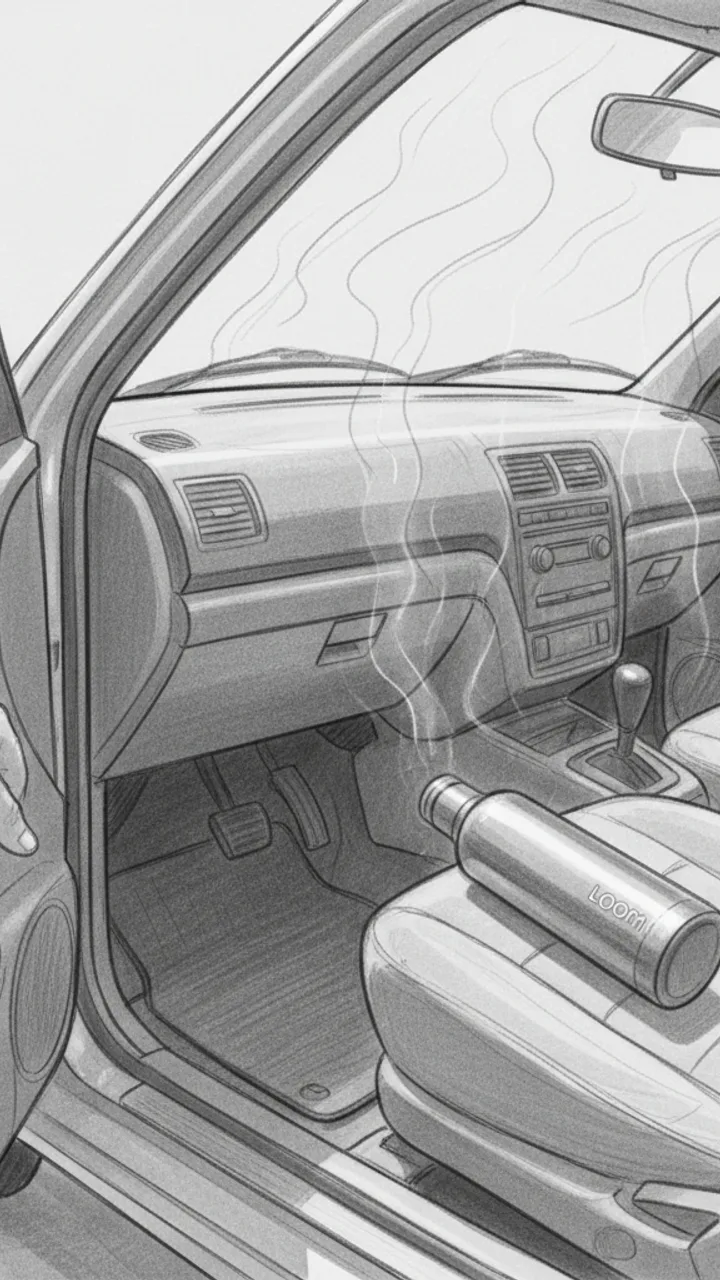
Hook — Hot Car Reveal
0:00 - 0:08 · 8s
Visual: POV handheld shot opening a sun-baked car door, heat shimmer visible. Creator reaches in and grabs the Loom Bottle off the passenger seat. Text overlay in bold white: 'LEFT IN A 94° CAR ALL DAY'
Audio: I left this in my car all day — it was 94 degrees outside. Dashboard was hot to the touch. Let's see what's inside.
Note: Shoot mid-afternoon for real heat shimmer. Keep the grab motion quick and confident — no hesitation.
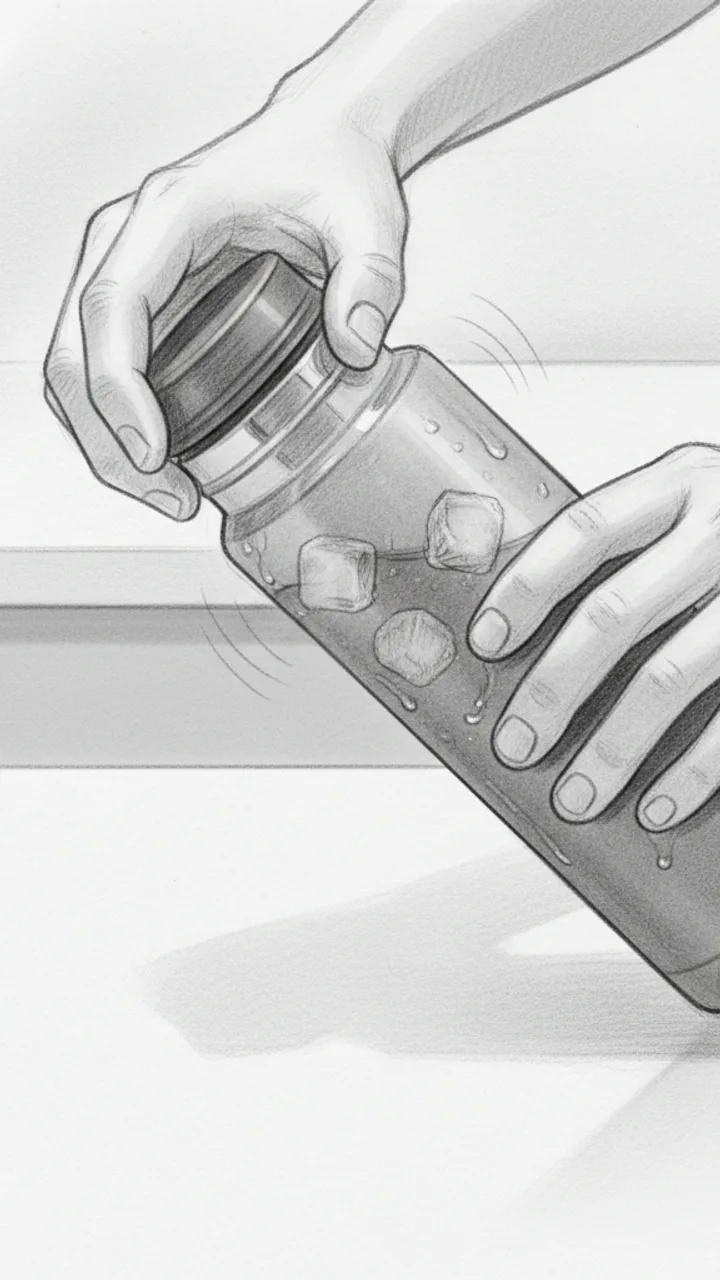
Proof Shot 1 — The Open
0:08 - 0:20 · 12s
Visual: Close-up shot of creator unscrewing the lid over a white countertop. Steam condensation visible on the outside of the bottle. Ice cubes audibly rattle as the lid comes off. Creator tilts bottle so ice is visible on camera. Text overlay: 'STILL ICE. 8 HOURS LATER.'
Audio: Eight hours later — listen to that. Full ice. In my testing I've never had it melt down this fast, but today was a real push and it held. You can see the condensation on the outside — that's how cold it still is in there.
Note: Capture the rattle sound clearly — this is the money audio moment. Use a lavalier mic or get the phone close to the bottle mouth.
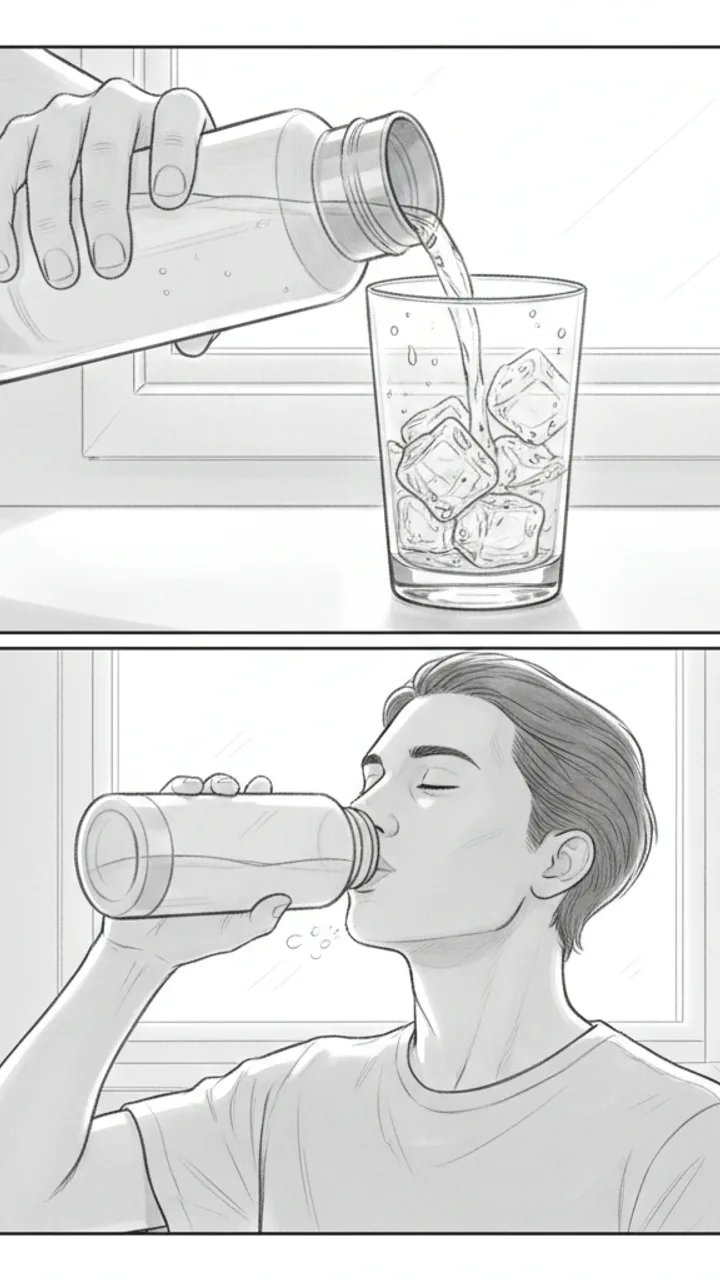
Proof Shot 2 and 3 — Pour and Taste
0:20 - 0:35 · 15s
Visual: Shot 1: Creator pours water over a clear glass — ice tumbles out, water is visibly cold with condensation forming on the glass instantly. Text overlay: 'COLD WATER. NOT LUKEWARM.' Shot 2: Creator takes a sip straight from the bottle, genuine reaction, slight exhale of relief. Text overlay: 'ACTUALLY COLD.'
Audio: That pour is cold — not just cool, actually cold. And drinking straight from it after sitting in a hot car? That's the whole point of the Loom Bottle for me. Link in bio if you want one — they go fast.
Note: The sip reaction needs to feel real. Do a genuine take, not performed surprise. The glass pour shot gives visual proof the ice survived — don't skip it.
Generate yours to see all 3 scenes unlocked
Includes hook variations, AI judge scores, and storyboard sketches per scene.
Generate your script freeFrequently asked questions
Can I upload a brand's PDF brief directly?
Yes. You can upload the PDF or paste the raw text. The AI extracts the 'must-haves,' such as specific feature mentions or CTA requirements, and weaves them into the script variations. It ensures you don't miss a mandatory talking point that could lead to a reshoot request.
How does it know my specific 'vibe' or aesthetic?
The system analyzes the transcripts and visual descriptions of your previous successful TikToks. If your style is 'dark academia' with slow cuts, it won't suggest 'high-energy' neon text overlays. It mirrors your pacing and vocabulary to ensure brand deals feel organic to your feed.
What if the AI-generated hook is too cheesy?
The generator provides multiple variations for every scene, specifically focusing on different hook angles (e.g., fear of missing out, curiosity, or 'hacker' style). You can choose the one that feels most authentic to your voice or hit 'regenerate' to tweak the intensity.
Does it suggest what I should show on my screen?
Specifically, yes. In the 'Action' or 'Storyboard' notes, the generator will suggest exactly what should be visible on your Notion dashboard or laptop screen to match the dialogue. This helps you plan your screen recordings before you even hit record.
Can it help with scripts for multiple platforms like Reels?
The generator is optimized for TikTok's fast-paced, retention-heavy environment. While the content can be used for Reels, the pacing, text overlay suggestions, and hooks are specifically engineered to satisfy the TikTok algorithm's preference for immediate engagement and 'loopable' endings.
Related script templates
Generate your first script in under a minute
Paste a channel link and a brand brief. WeKlapp handles the analysis, scriptwriting, judging, and storyboarding.
Start free