
Tech TikTok Script Generator
A new Anker charging station lands on your desk at 10am Tuesday. The brief demands three unique USPs, a specific 'lifestyle integration' shot, and a hard deadline for Friday morning approval. For a tech creator, the friction isn't the filming; it's translating a rigid PDF into a hook that doesn't feel like a commercial. Most AI tools fail here because they suggest generic 'top 5 features' lists that kill your retention graph. If you open with a spec sheet, the audience scrolls. Tech TikTok thrives on the 'problem-first' pivot—showing the cable mess before the solution or the software bug before the Notion template fix. WeKlapp acts as an executive producer that understands this cadence. It doesn't just summarize a brief; it parses your past video pacing to ensure the brand's 'must-haves' land exactly when your audience usually expects a transition, keeping the watch-time curve flat through the sponsor segment.
Trained on what works in the tech corner of TikTok
Hook variations tuned to the first 2 seconds of attention
Brand-fit angles vetted by an AI judge panel
Scene-by-scene storyboards you can revise in one click
32g Lighter Changed My Aim
Hook: “I dropped 32 grams off my mouse and my accuracy went up — I have the data to prove it.”
Angle: A skeptical reviewer lets raw aim-test numbers do the talking when swapping a 95g daily driver for the 63g Vector Peripherals wireless.
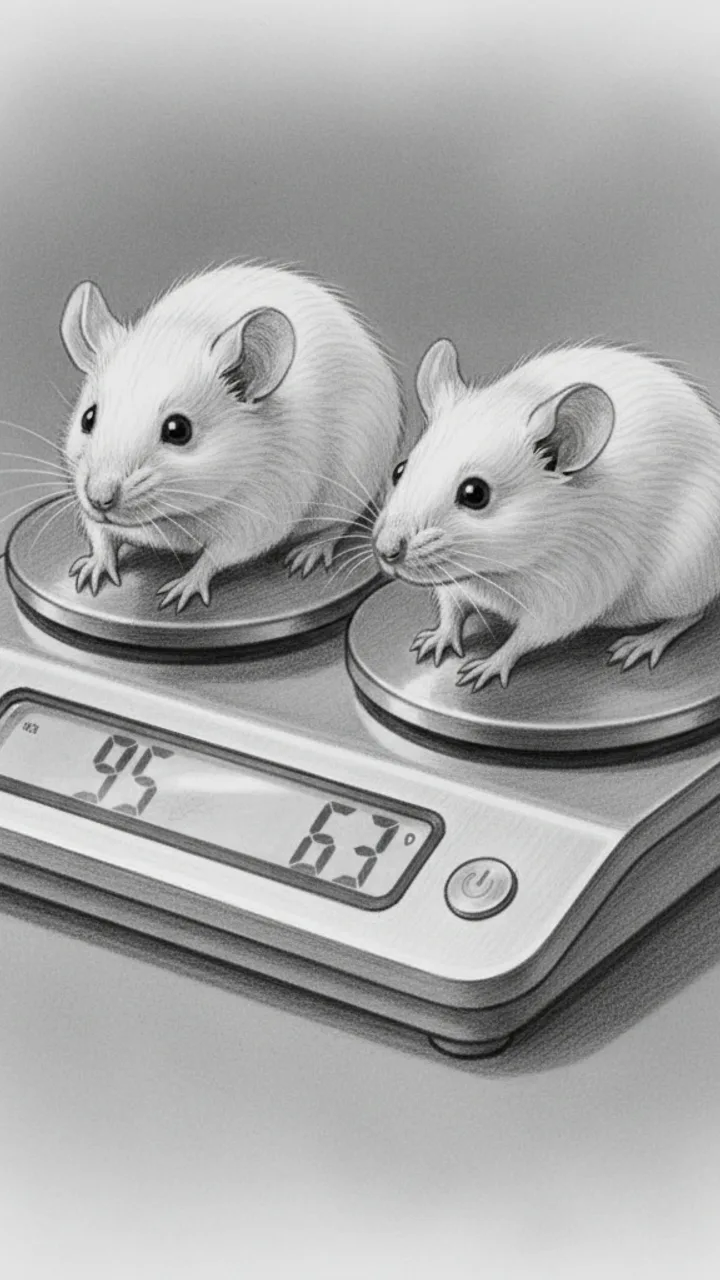
Hook
0:00 - 0:04 · 4s
Visual: Extreme close-up, both mice side by side on a scale — 95g on the left, 63g on the right. Text overlay slams in: '32G LIGHTER. DOES IT MATTER?' Cut to reviewer's face, deadpan.
Audio: I dropped 32 grams off my mouse and my accuracy went up — I have the data to prove it.
Note: Hook line doubles as thumbnail headline. Keep face cam reaction tight and dry — no hype.
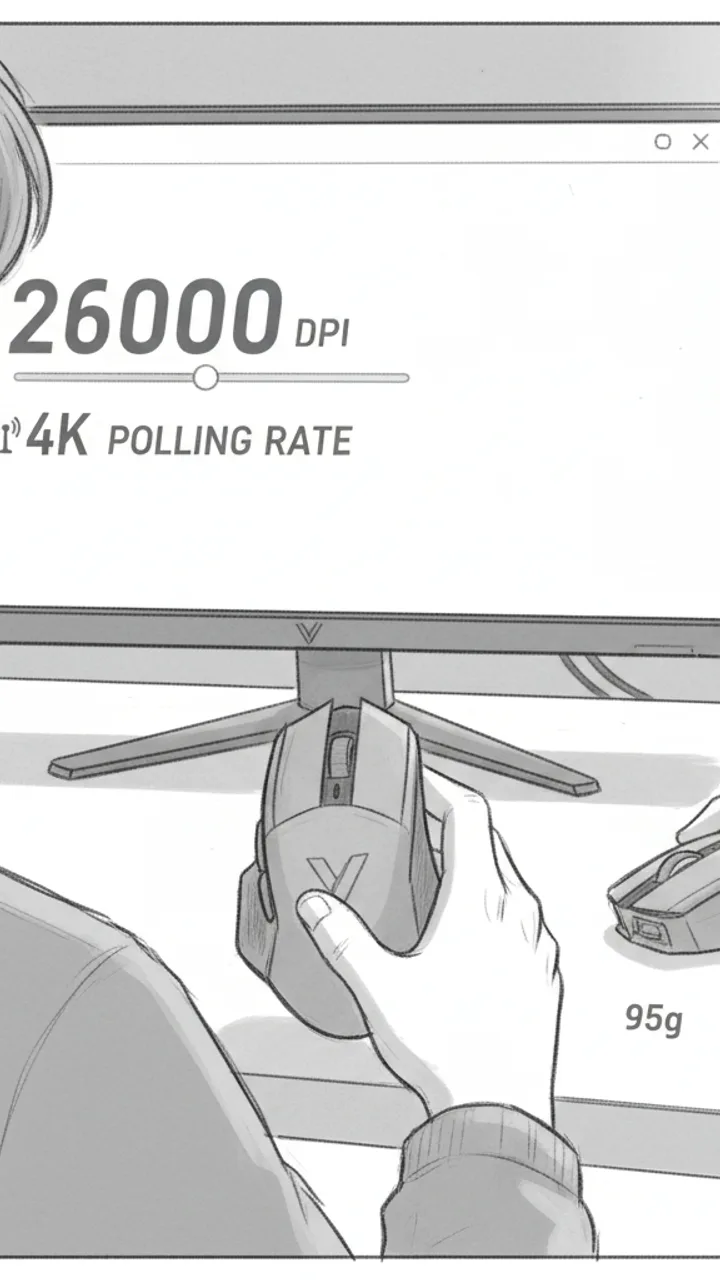
Spec Reality Check
0:04 - 0:18 · 14s
Visual: Over-the-shoulder shot, hands holding the Vector Peripherals mouse. Quick cut to driver software on monitor showing 26,000 DPI max and 4K polling rate. Text overlays: '26K DPI' and '4K POLLING' pop on screen as each is mentioned. Reviewer sets mouse down next to old 95g mouse.
Audio: On paper the Vector runs up to 26K DPI — I tested at 1600 — and it's pushing a 4K polling rate over wireless, which I was honestly skeptical about. Wireless latency used to be a real excuse. In my testing, I couldn't feel a difference from wired.
Note: Skeptical tone is key here. Pause slightly before 'I couldn't feel a difference' to let it land.
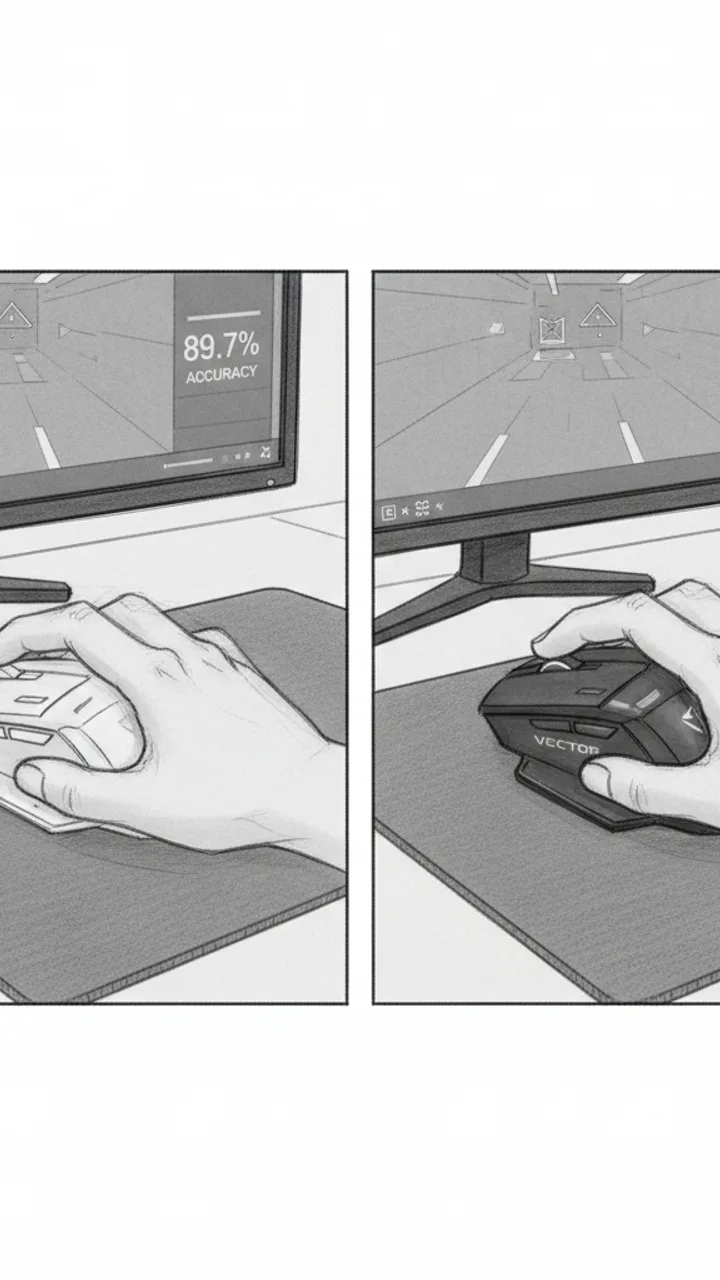
Aim Test — No Drama
0:18 - 0:44 · 26s
Visual: Split-screen: left side shows Kovaak's aim trainer session with the 95g mouse, right side shows same scenario with the Vector. On-screen text shows real session scores side by side — no cherry-picked rounds. Reviewer's hands visible on both clips. Text overlay: 'SAME SENS. SAME SCENARIO. 5 ROUNDS EACH.'
Audio: Same sensitivity, same Kovaak scenario, five rounds each — no picking the best ones. With my old 95g mouse I was averaging around here. With the Vector, my scores shifted up, and I noticed it most on longer flicks — less wrist fatigue killing my consistency toward the end of a session. I'm not going to tell you it fixed my aim. The lighter shell just got out of the way.
Note: Use actual recorded session data. Do not fabricate score numbers — leave a placeholder like '[SCORE A]' vs '[SCORE B]' for real fill-in during production. No clutch highlight clips.
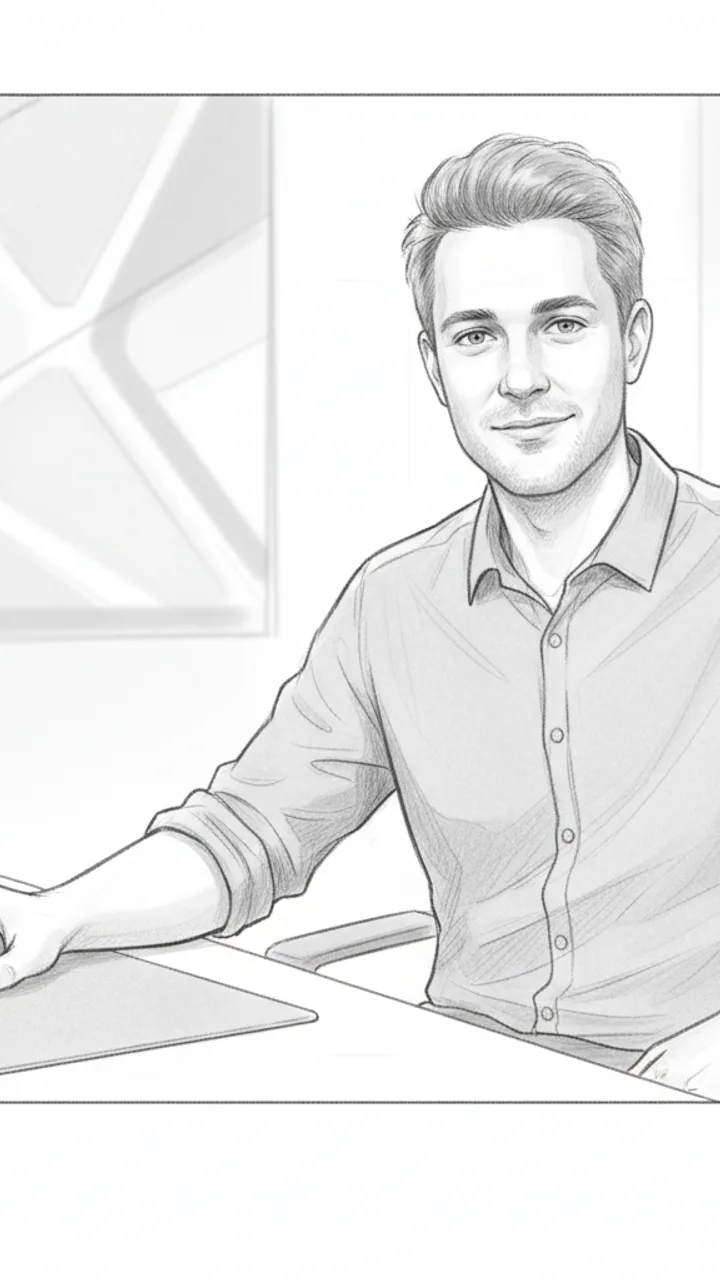
Verdict + CTA
0:44 - 0:55 · 11s
Visual: Reviewer on camera, medium shot, mouse in hand. Clean background. Text overlay at end: 'VECTOR PERIPHERALS — LINK BELOW'
Audio: If you're coming off a heavier mouse and you've been blaming your gear, the weight difference is real — at least for me. Full breakdown with battery life and click latency numbers is in the pinned comment. Link to the Vector is below if you want to check it.
Note: One CTA only. Tone stays matter-of-fact — no urgency language, no discount framing unless brand provides one.
Generate yours to see all 4 scenes unlocked
Includes hook variations, AI judge scores, and storyboard sketches per scene.
Generate your script freeThe Tuesday Intake: Parsing the Brand PDF Without Losing Your Voice
Wednesday Refinement: Running Variations Through the AI Judge Panel
- Brand Fit Scoring: Ensures all mandatory USPs from the brief are included naturally.
- Production Effort Estimates: Flags scripts that require multi-cam setups or heavy VFX.
- Style Match Analysis: Compares script cadence against your top-performing 60-second reviews.
- Automated Timecoding: Places on-screen text and cut points at high-drop-off timestamps.
- Objection Handling: Generates lines that address common 'is it worth the price?' comments.
Thursday Pre-Production: Storyboarding the B-Roll and Shot List
The gap between a viral tech review and a skipped ad is usually found in the first three seconds of B-roll variety.
Friday Export: The Professional Handoff and Final Word Doc
Example hooks WeKlapp will generate
Common mistakes (and what to do instead)
✗ Opening the video by reading the brand name and the sponsorship disclosure immediately.
→ Start with a physical demonstration of a problem the product solves, then weave the brand name in after the 5-second mark.
✗ Using static top-down shots for the entire 60-second duration without visual variety.
→ Alternate between macro close-ups, handheld 'in-use' shots, and screen recordings every 2-3 seconds to maintain visual interest.
✗ Ignoring common audience objections like price or compatibility in the script.
→ Dedicate a mid-roll beat to 'the catch' or a 'who this isn't for' segment to build trust and authenticity.
✗ Writing scripts that are too long, forcing you to talk at 1.5x speed in the edit.
→ Aim for 130-150 words for a 60-second video to allow for natural pauses and sound design beats.
One Charger Replaced All Four on My Desk
Hook: “Four chargers on my desk — now it's one.”
Angle: A real desk teardown showing how a single 100W GaN brick eliminates cable chaos without sacrificing wattage per port.
Hook
0:00 - 0:05 · 5s
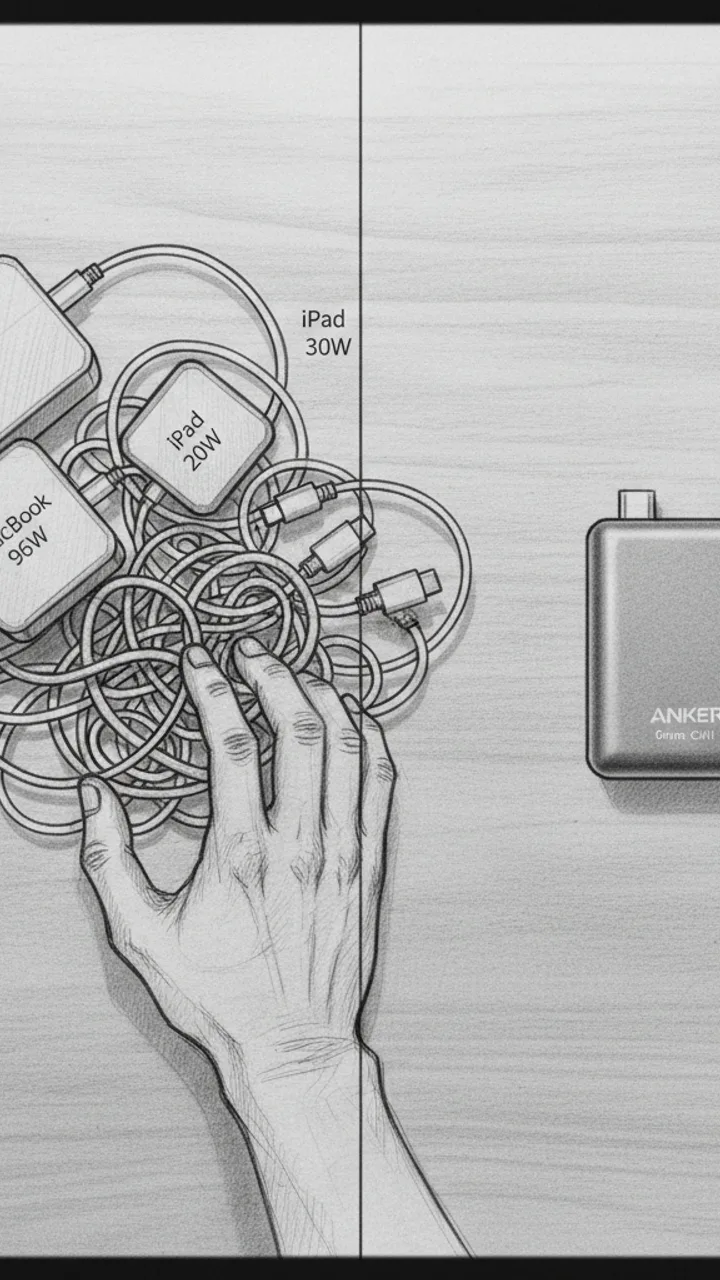
Visual: Overhead flat-lay shot of a cluttered desk corner: four separate charger bricks tangled with cables — MacBook 96W, iPad 20W, phone 30W, earbuds 5W. Hand sweeps them into a pile. Cut to single Anker Prime unit sitting clean on the same corner. Text overlay: '4 CHARGERS → 1'
Audio: Four chargers on my desk — now it's one. This is the Anker Prime 100W GaN, and it actually pulls it off.
Note: Shoot the before state first with real gear, no staging. The contrast needs to feel honest, not art-directed.
Port Breakdown
0:05 - 0:22 · 17s
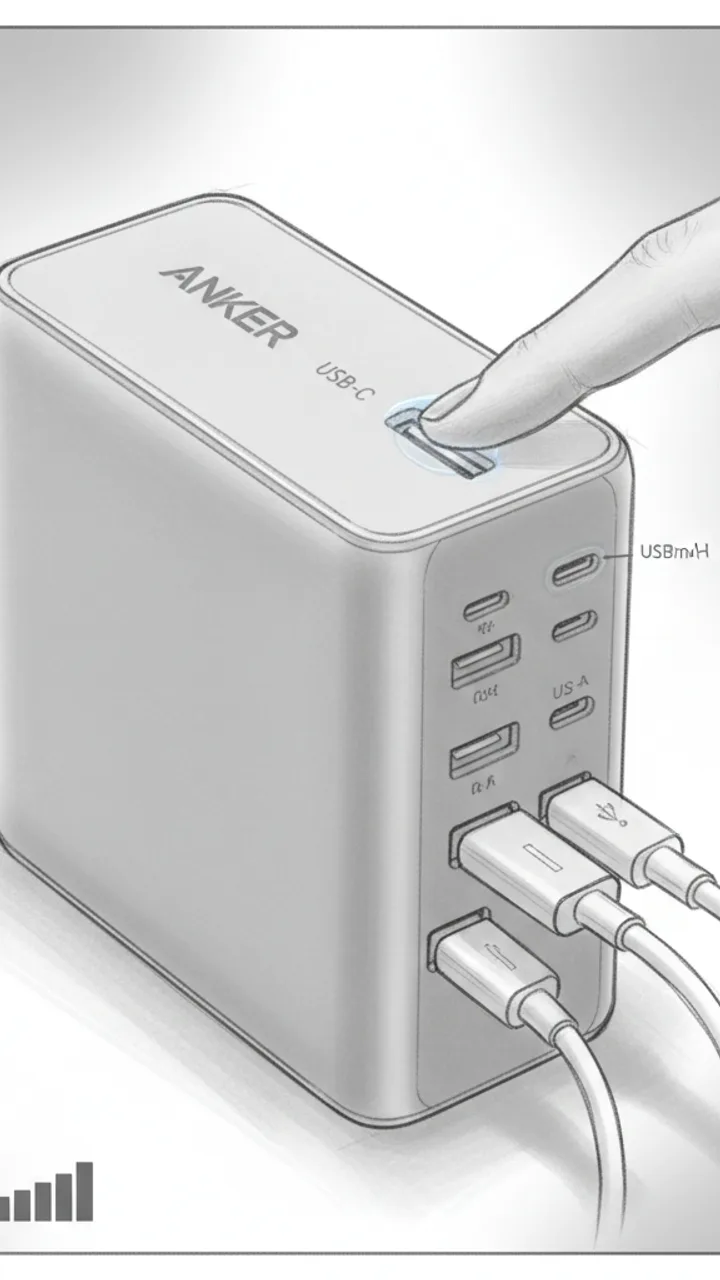
Visual: Close-up macro shot rotating around the Anker Prime. Finger points to each port as it's named. Text overlays appear per port: 'USB-C Port 1 — up to 100W solo', 'USB-C Port 2 — up to 60W', 'USB-A — up to 22.5W'. Cut to all three cables plugged in simultaneously. Small on-screen wattage counter graphic showing combined draw.
Audio: Three ports — two USB-C, one USB-A. Solo on that top USB-C port, my MacBook Pro pulls a full 100 watts. Plug in two more devices and it redistributes dynamically. In my testing, MacBook was still pulling 67 watts with my phone and iPad both connected. That's not a given on cheaper GaN chargers.
Note: Use a USB-C power meter on screen if possible to show real wattage numbers — avoids any claim that feels fabricated.
Thermal Check
0:22 - 0:42 · 20s
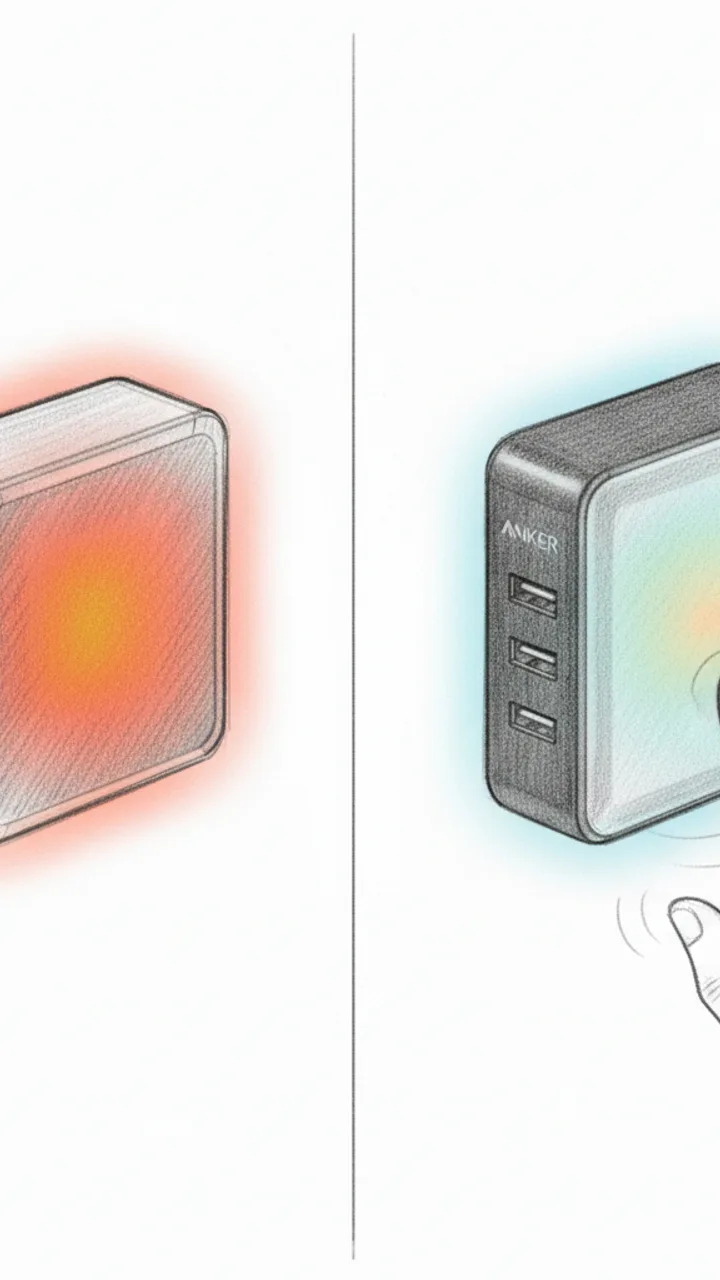
Visual: Side-by-side split screen: left shows a generic 65W non-GaN brick with a thermal camera overlay glowing orange-red after 30 minutes. Right shows the Anker Prime under the same thermal camera after 30 minutes at near-full load — cooler gradient. On-screen label: 'After 30 min at load'. Cut to hand touching the Anker Prime. Text overlay: 'Warm — not hot'
Audio: Thermal performance is where GaN either earns its price or doesn't. After 30 minutes pushing close to 90 watts total, in my testing the Anker Prime stayed warm to the touch — not the 'don't leave this plugged into your power strip' hot I've felt on older silicon chargers. The GaN internals are doing real work here.
Note: Use an actual thermal camera or FLIR app for authenticity. Do not use stock footage. If thermal camera isn't available, remove the split-screen and keep the hand-touch moment only.
Payoff + CTA
0:42 - 0:55 · 13s
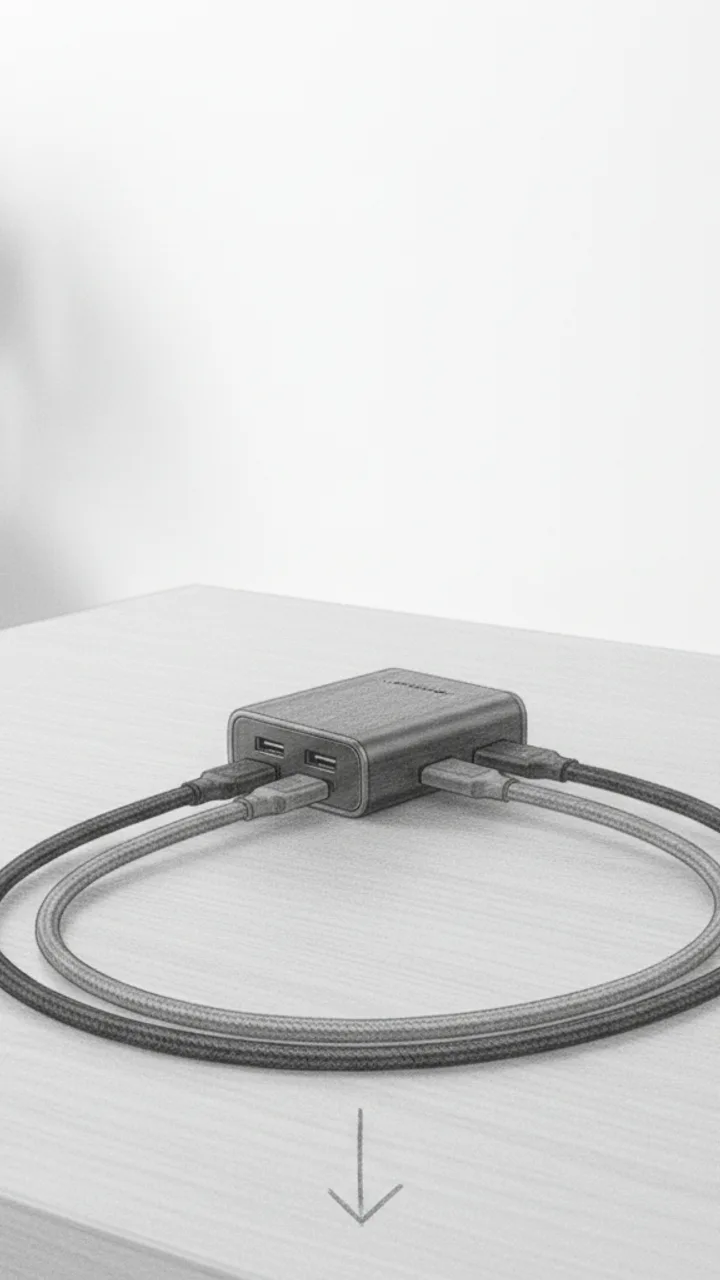
Visual: Wide shot of the clean desk with only the Anker Prime and three cables routed neatly. Slow zoom out. Text overlay: 'Link below'. Final frame: product alone on desk, no busy background.
Audio: For me, the desk math works out. One outlet, three devices, no compromise on speed. If your desk looks like mine did, link's below.
Note: Keep the CTA soft — no urgency language, no discount framing unless the brief specifically requests it. Let the visual do the selling.
Generate yours to see all 4 scenes unlocked
Includes hook variations, AI judge scores, and storyboard sketches per scene.
Generate your script freeFrequently asked questions
Can I upload a brand's PDF brief directly?
Yes. You can upload PDF, DocX, or raw text briefs. The AI extracts mandatory talking points, legal disclaimers, and visual requirements. It then cross-references these against your historical content style to ensure the script remains authentic to your channel while satisfying the brand's contractual needs.
Does it generate ideas for B-roll and props?
Every script includes a dedicated 'On-Screen Action' column. This suggests specific props, camera angles (like top-down or 45-degree macro), and movements. It helps you visualize the final edit before you even pick up your camera, reducing 'missing shot' errors during post-production.
Is the content safe for brand partnerships?
The 'AI Judge' panel includes a brand safety check. It scans for restricted keywords, competitor mentions, or tonal shifts that might violate a standard influencer agreement. You get a safety score before you ever send the script to a client for approval.
Can I export the script to other formats?
Scripts and storyboards export directly to Word, PDF, or Google Docs. The export retains all formatting, including timecodes and visual notes, making it easy to share with brand managers or assistants for final review and sign-off.
How do I handle scripts for different platforms like Reels or Shorts?
While this tool is optimized for TikTok's fast-paced hook-first logic, you can adjust the 'Platform Profile' in the settings. This changes the pacing, call-to-action style, and safe-zone layouts for on-screen text to match the specific UI of Instagram or YouTube.
Related script templates
Generate your first script in under a minute
Paste a channel link and a brand brief. WeKlapp handles the analysis, scriptwriting, judging, and storyboarding.
Start free