
Motorcycles TikTok Script Generator
A creator we analyzed recently faced a common friction point: a Shoei brand brief that asked for technical safety specs while their audience only cared about wind noise and visor clarity during weekend tours. The creator’s typical flow involves a 'walk-around' cold open with high ambient exhaust noise, but the brief required a seated, direct-to-camera explanation of the liner material. Shifting between these two modes usually results in a script that feels like a stiff commercial rather than a genuine recommendation. WeKlapp solves this by treating the brand's PDF requirements as data points to be woven into the creator’s established shot patterns. Instead of forcing a script that sounds like a manual, the AI executive producer identifies where the technical specs can live—perhaps as a text overlay during a mounting shot—while keeping the verbal hook focused on the rider's immediate problem. It’s about maintaining the 'garage-talk' tone even when the legal fine print needs to be present.
Trained on what works in the motorcycles corner of TikTok
Hook variations tuned to the first 2 seconds of attention
Brand-fit angles vetted by an AI judge panel
Scene-by-scene storyboards you can revise in one click
These Shorts Don't Move When You Pull Heavy
Hook: “My shorts used to bunch up mid-deadlift. Fixed it.”
Angle: A no-nonsense home-gym trainer puts performance shorts through a real pull session and lets the details speak for themselves.
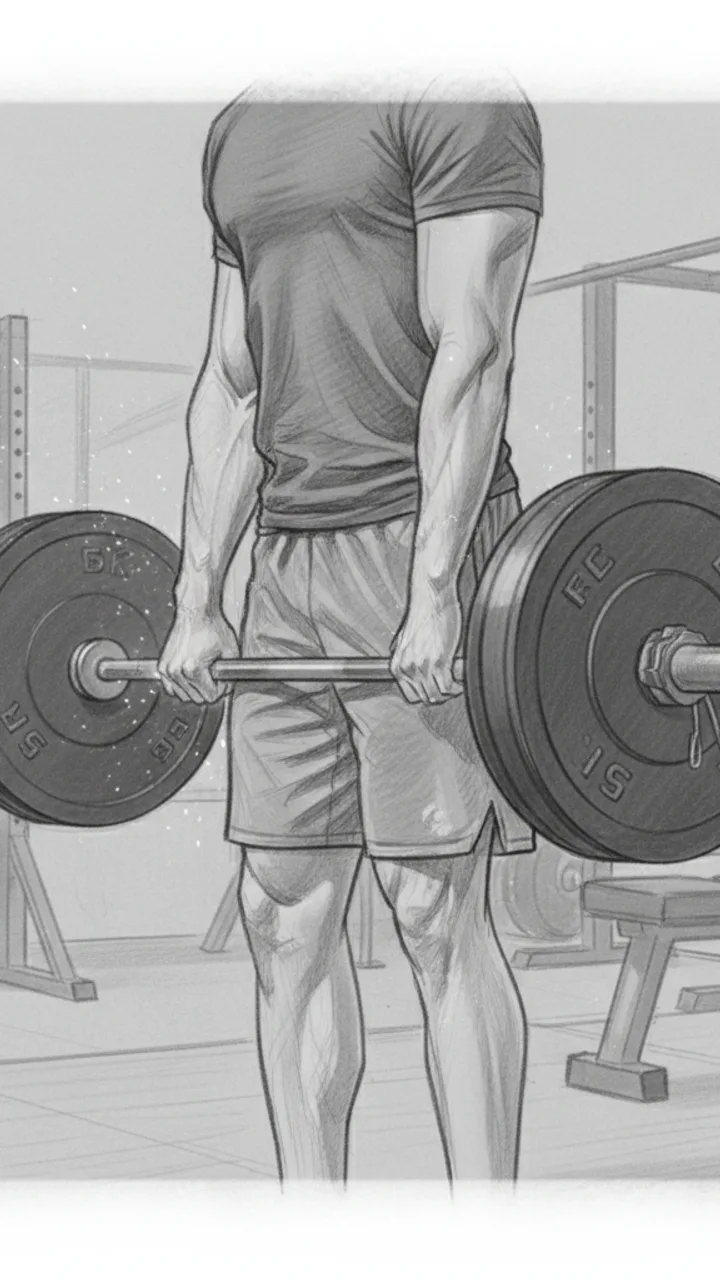
Hook
0:00 - 0:03 · 3s
Visual: Tight mid-shot from the side, creator standing over a loaded barbell in the home gym. Chalk on hands, shorts visible at thigh level. Text overlay top-center: 'SHORTS THAT DON'T MOVE WHEN YOU PULL'
Audio: My shorts used to bunch up mid-deadlift. Fixed it.
Note: Cut in at the moment hands touch the bar — no intro, no setup. Hook doubles as thumbnail text.
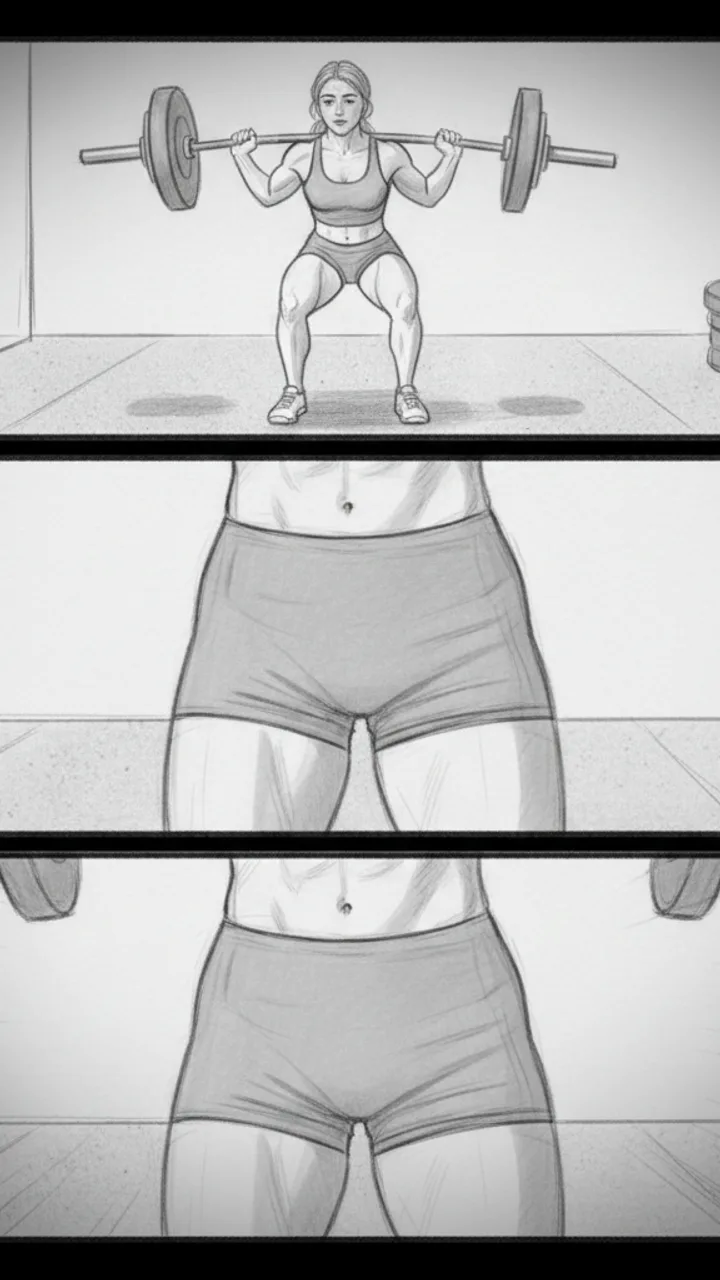
The Pull
0:03 - 0:18 · 15s
Visual: Wide angle showing full deadlift — setup, pull, lockout. Cut to close-up at the hip crease showing zero fabric ride-up at the top of the lift. Then a quick slow-mo replay of the lockout position. Text overlay at lockout: 'NO-RIDE-UP GUSSET'
Audio: This is the Reps Apparel short. Five-inch inseam. There's a gusset built into the crotch so when you hinge hard, the fabric moves with you — it doesn't climb. For me, that's the difference between thinking about the lift and thinking about my shorts.
Note: Keep the slow-mo clip under 3 seconds. The gusset callout text should appear exactly at lockout when thigh tension is highest.
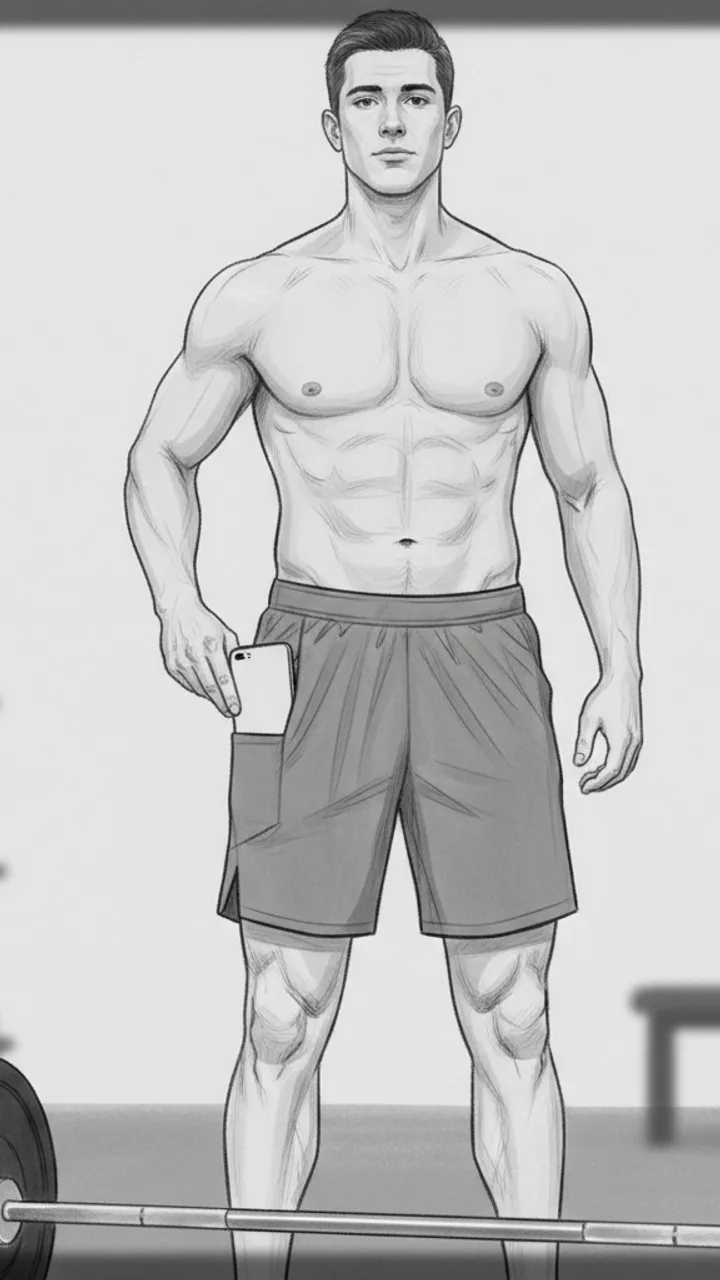
The Pocket Detail
0:18 - 0:30 · 12s
Visual: Creator sets the bar down, stands up straight. Reaches into what looks like a seamless side panel and pulls out a phone — hidden pocket reveal. Camera is chest-height, slightly angled up. Text overlay: 'HIDDEN PHONE POCKET — actually holds'
Audio: There's a hidden pocket on the side. My phone sits flat against my leg, doesn't bounce, doesn't print through the fabric. I've been using these through squat days, deadlift days, conditioning work — in my testing nothing has shifted or stretched out.
Note: The pocket reveal should feel incidental, not performed. Creator should glance at the phone briefly like checking a rest timer, then pocket it again.
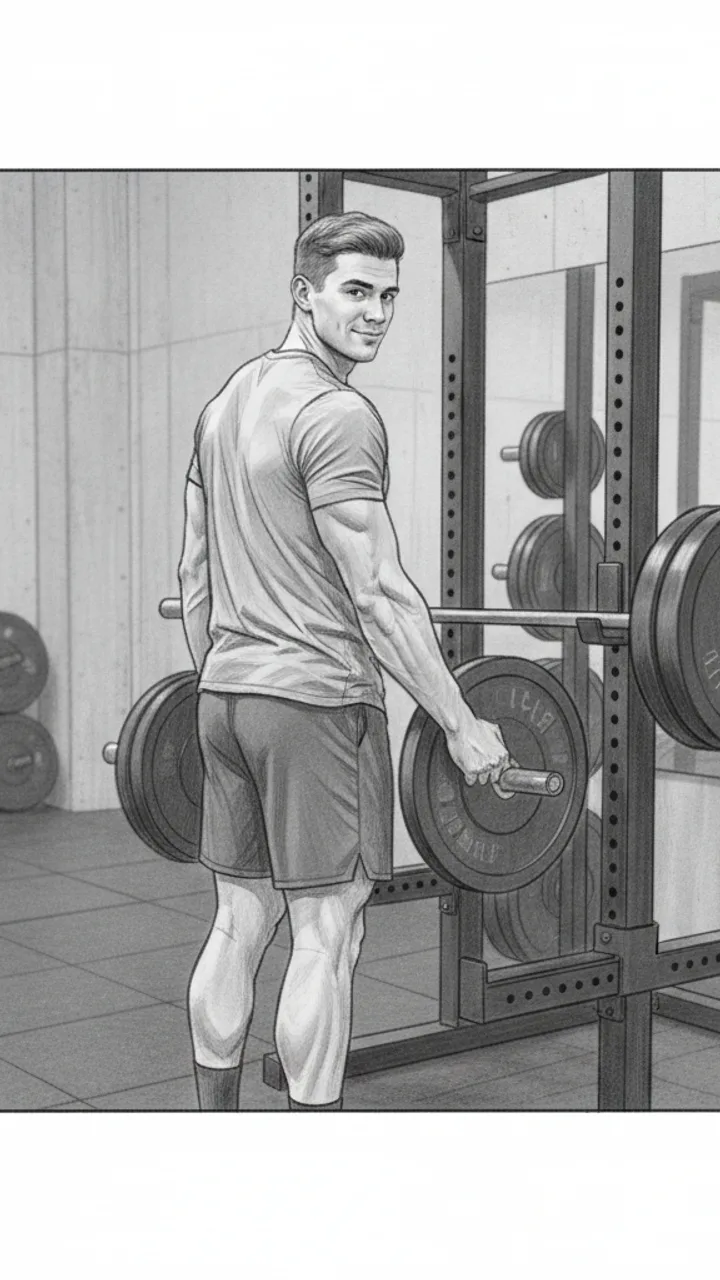
CTA
0:30 - 0:40 · 10s
Visual: Creator loads more weight onto the bar, back to the camera, glances back at lens. Relaxed, not posed. Text overlay bottom of frame: 'Link in bio — Reps Apparel'
Audio: If you train at home and you're tired of adjusting your shorts between sets, link's in my bio. That's it.
Note: Do not linger on the CTA. Cut to black or next clip immediately after the line lands. Keep it transactional, not salesy.
Generate yours to see all 4 scenes unlocked
Includes hook variations, AI judge scores, and storyboard sketches per scene.
Generate your script freeBalancing technical requirements with the rider's perspective
Evaluating script variations for production feasibility
- Variation A: Point-of-view riding footage with voiceover (High engagement, medium effort).
- Variation B: Garage-based 'tabletop' review (High technical detail, low effort).
- Variation C: Comparison with a previous model (Strongest for conversion, requires existing gear).
- Variation D: A 'misconceptions' listicle (Fastest pacing, highest retention potential).
Translating the script into actionable visual cues
A great motorcycle script isn't just about what you say, it's about the precise second the engine sound ducks for the dialogue.
Where the human creator takes back the handlebars
Example hooks WeKlapp will generate
Common mistakes (and what to do instead)
✗ Opening with a long cinematic montage of the bike before speaking.
→ Start with a verbal hook or a controversial opinion while the bike is already in frame to capture immediate interest.
✗ Reading the technical specs of gear directly from the manufacturer box.
→ Translate specs into 'rider benefits'—don't say '5mm padding', say 'it won't pinch your ears on long trips'.
✗ Hard-cutting the audio between the exhaust sound and the voiceover.
→ Use a subtle 0.5-second cross-fade to keep the energy of the ride consistent throughout the script's transitions.
✗ Ignoring the background noise of the garage or the street in the script notes.
→ Label specific 'audio-only' beats in your script where the engine or road noise is the primary focus to give the viewer a sensory break.
I Was Paying $47/Month for Nothing
Hook: “I just found out I'm paying for three subscriptions I completely forgot existed.”
Angle: Creator opens the Ledger & Rye app live on camera and reacts in real time to forgotten subscriptions draining $47/month from their account.
Hook
0:00 - 0:03 · 3s
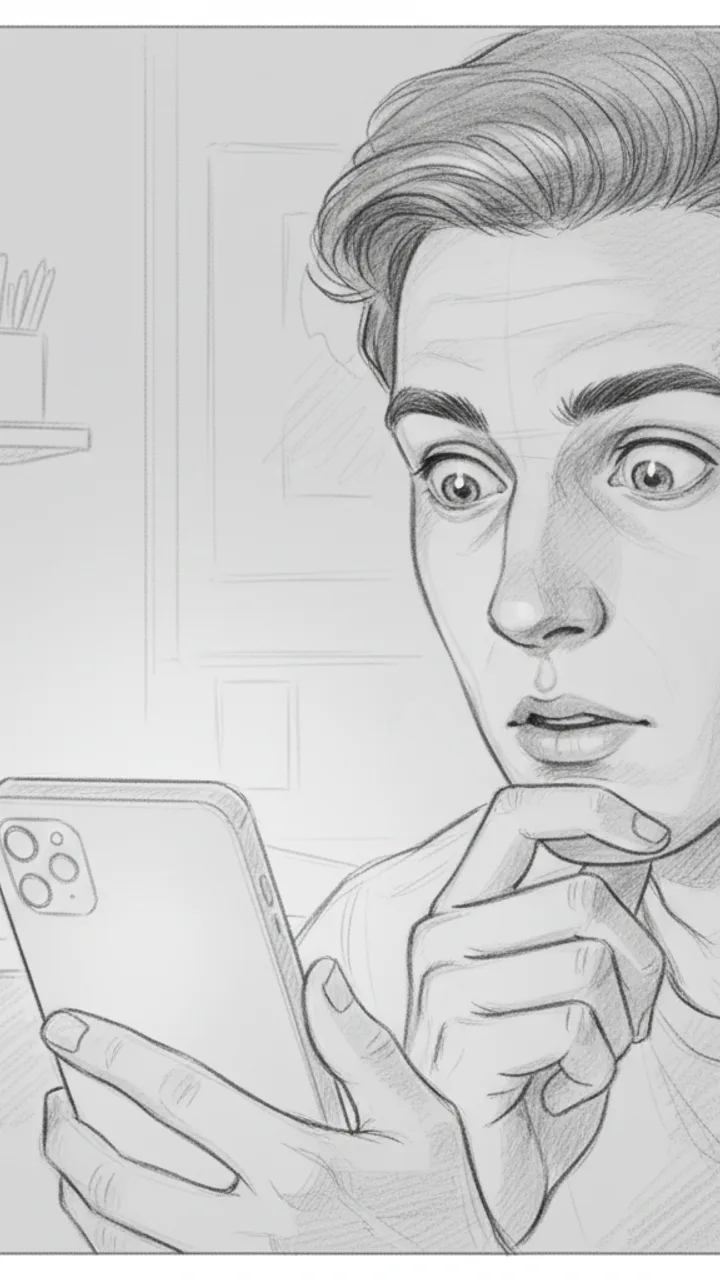
Visual: Tight close-up on creator's face, slightly over-the-shoulder angle, phone screen faintly visible in hand. Text overlay in bold white: '$47/MONTH I FORGOT ABOUT'
Audio: I just found out I'm paying for three subscriptions I completely forgot existed.
Note: Deliver with a flat, tired expression — not dramatic, just genuinely annoyed at yourself. Hook doubles as thumbnail headline.
The Discovery
0:03 - 0:18 · 15s
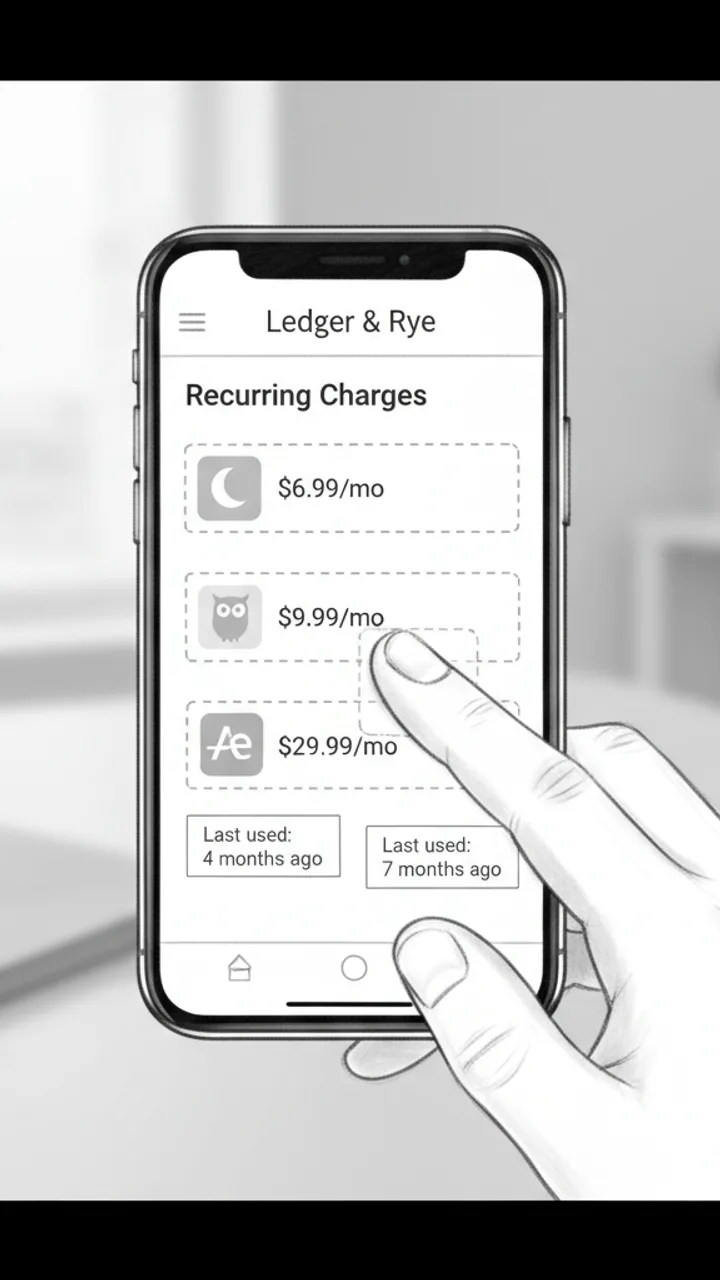
Visual: Screen recording of Ledger & Rye app open to a 'Recurring Charges' summary panel. Three line items animate in one by one: 'Calm — $6.99/mo', 'Duolingo Plus — $9.99/mo', 'Adobe Express — $29.99/mo'. Creator's thumb taps each one. Text overlay appears under each: 'Last used: 4 months ago', 'Last used: 7 months ago', 'Last used: 2 months ago'
Audio: So I opened Ledger and Rye and it flagged this 'Recurring Charges' section — and there's Calm, which I downloaded during a very specific week in 2022. Duolingo Plus, because apparently I was going to learn Portuguese. And Adobe Express for $30 a month, which… I genuinely cannot explain.
Note: Keep the screen recording clean and unedited — real app UI, no motion graphics added in post. The mundane specificity of the apps is the joke.
The Math
0:18 - 0:30 · 12s
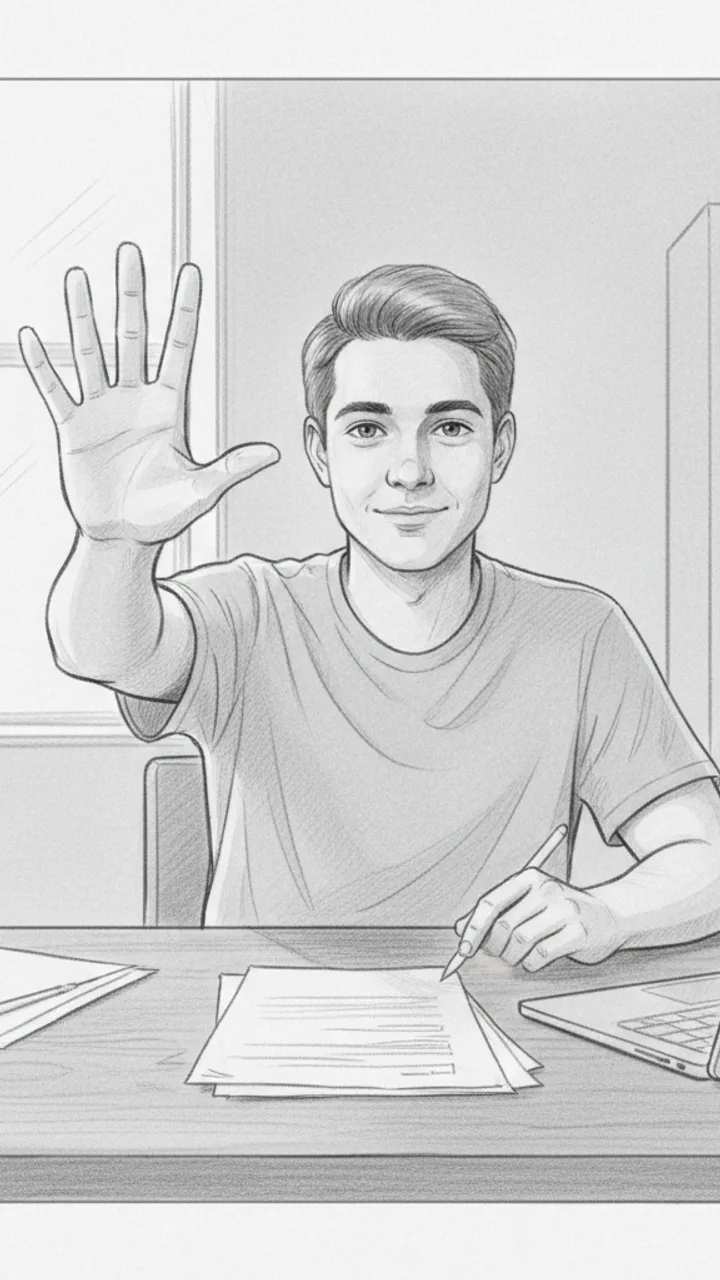
Visual: Cut back to creator on camera, medium shot, sitting at a desk. Creator holds up three fingers and counts down. Text overlay bottom-center: '$47 / month = $564 / year'
Audio: That's $47 a month. Which is $564 a year. On apps I haven't opened since before I moved apartments. I cancelled all three in like four minutes. I'm not saying I'm bad with money, but I'm also not NOT saying that.
Note: Pause naturally after '$564 a year' — let the number land before the self-deprecating closer. No need to rush.
Soft CTA
0:30 - 0:38 · 8s
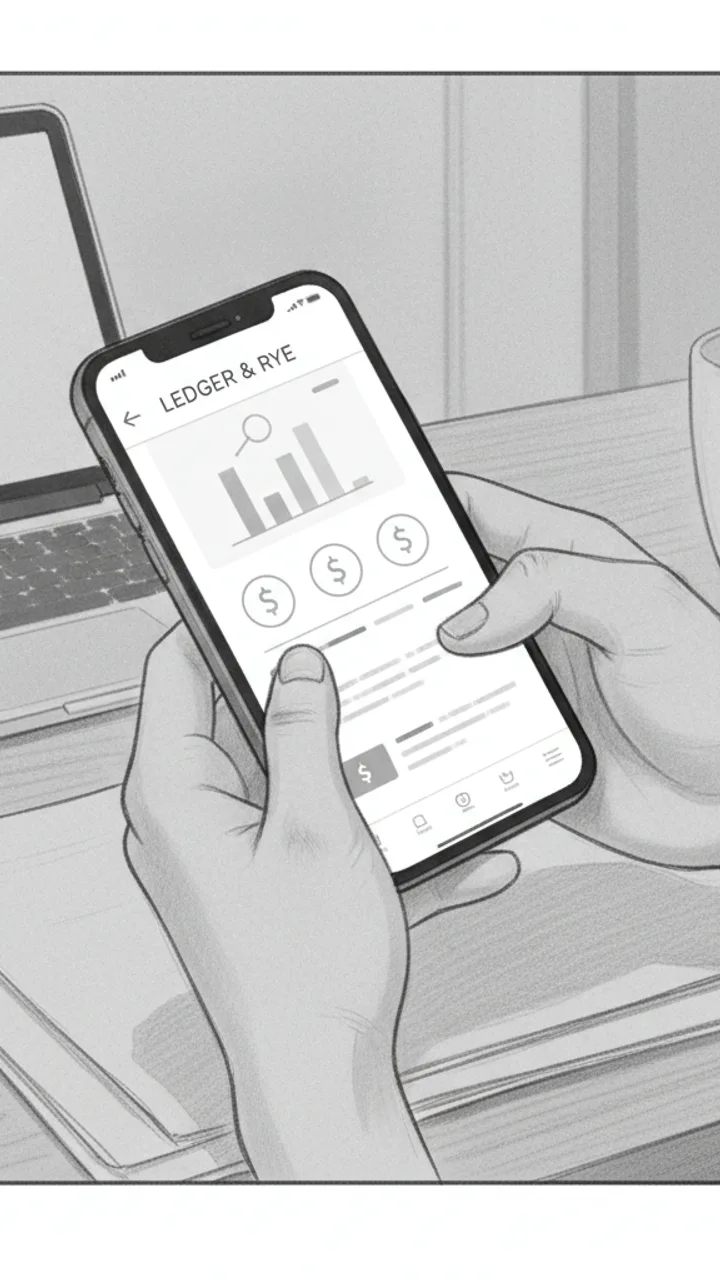
Visual: Creator tilts phone toward camera briefly showing the Ledger & Rye home screen, then sets it face-down. Minimal text overlay bottom-left: 'Ledger & Rye — link in bio'
Audio: If you haven't checked yours in a while, the app is called Ledger and Rye — it's free to start. Genuinely took me less time than this video to find all of it.
Note: Tone should feel like a recommendation to a friend, not a pitch. No urgency language. Creator sets the phone down casually — signals the video is over naturally.
Generate yours to see all 4 scenes unlocked
Includes hook variations, AI judge scores, and storyboard sketches per scene.
Generate your script freeFrequently asked questions
How does the AI know my specific riding style?
The generator analyzes your previous TikTok uploads to understand your pacing, your use of on-screen text, and your typical camera angles. It looks for patterns—like whether you prefer POV riding footage or garage-based setup shots—and mirrors that structure in the new scripts it produces.
Can I upload a brand brief from a PDF?
Yes. You can upload a PDF or paste text directly. The AI extracts key deliverables, banned phrases, and required talking points, then cross-references them with your style to ensure the brand integration feels natural rather than forced.
Does it provide timestamps for the shots?
Every script includes specific timecodes for dialogue and on-screen actions. This helps you stay within the 30-60 second window that performs best on TikTok while ensuring you don't spend too long on the intro or the technical details.
What if the AI suggests a shot I can't film?
The AI panel scores scripts based on production effort. If a script requires a drone shot and you don't have one, you can filter for 'low effort' variations that focus on handheld or tripod shots you can manage alone in your garage.
Will the storyboard sketches match my bike?
The storyboard sketches are stylistic guides meant to show composition and framing. While they won't be a perfect 1:1 of your specific motorcycle, they provide the visual blueprint for where to place the camera relative to the gear or the rider.
Can I export these scripts to work with my editor?
The final scripts, including action notes and storyboard descriptions, export directly to a Word document. This makes it easy to share with an editor or to use as a teleprompter guide during your shoot.
Related script templates
Generate your first script in under a minute
Paste a channel link and a brand brief. WeKlapp handles the analysis, scriptwriting, judging, and storyboarding.
Start free